Imagine diving into lengthy PDFs without straining your eyes or lifting a finger. That's the magic of the Microsoft Edge Read Aloud feature for PDFs. This built-in text-to-speech (TTS) tool turns static documents into engaging audio experiences, perfect for multitasking, learning on the go, or accessibility needs. Whether you're a student cramming notes or a professional reviewing reports, mastering this feature boosts efficiency like never before. Ready to get started? Let's break it down simply and powerfully! 🚀
What Makes Microsoft Edge Read Aloud for PDFs a Game-Changer?
The Read Aloud tool in Microsoft Edge isn't just a gimmick—it's powered by advanced neural voices for natural-sounding narration. It supports multiple languages, adjustable speeds, and seamless PDF integration. No extra apps needed; it's right there in your browser. Pro tip: It shines brightest with complex docs like research papers or e-books.
Prerequisites: Get Your Setup Ready in Seconds
- Update to the latest Microsoft Edge (check via Menu > Help and feedback > About Microsoft Edge).
- Ensure your PDF is accessible—download or open directly in Edge.
- Internet connection for initial voice downloads (offline mode works afterward).
That's it! No downloads, no hassle. Now, let's activate the star of the show. ⭐
Step-by-Step: How to Use Microsoft Edge Read Aloud Feature for PDFs
Follow these foolproof steps to hear your PDFs come alive. We'll use visuals to guide you every step.
1️⃣ Open Your PDF in Edge
Launch Microsoft Edge, drag your PDF into a new tab, or right-click the file > Open with > Microsoft Edge. The document loads instantly—no conversions needed.
2️⃣ Activate Read Aloud
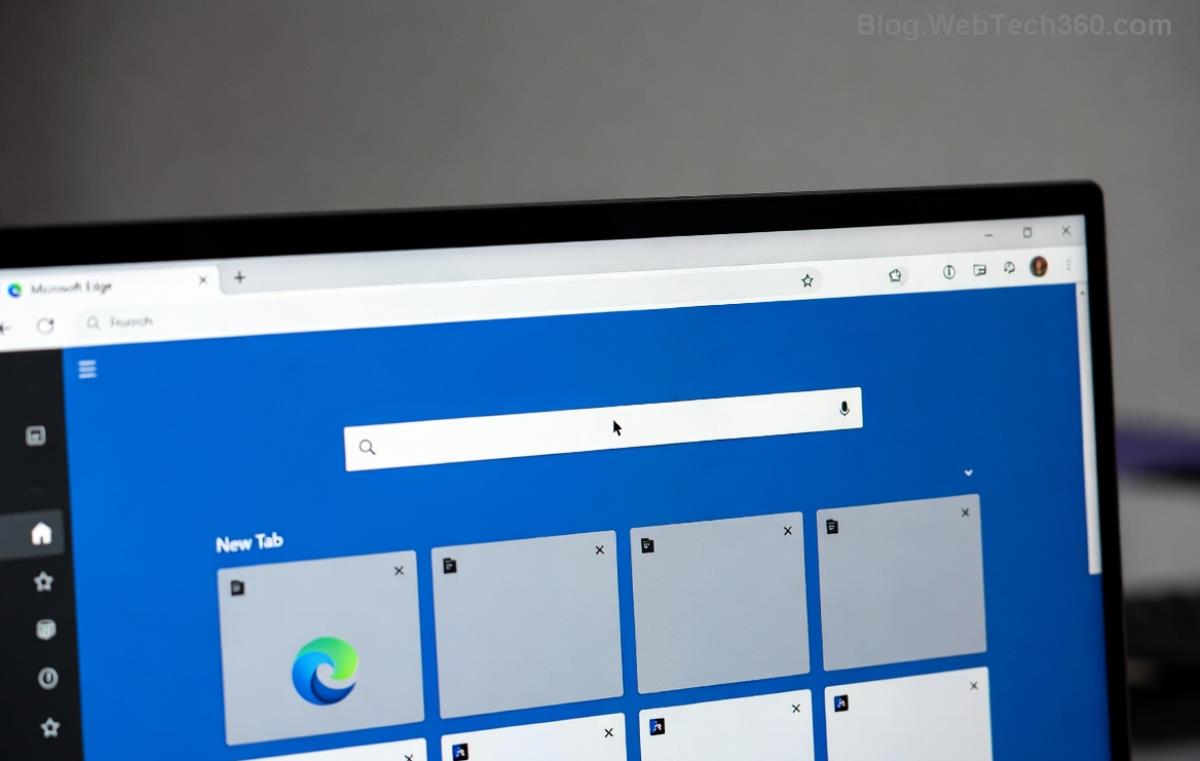
Spot the Read Aloud button? It's in the toolbar (speaker icon) or via right-click > Read aloud. Click it, and narration kicks off from your cursor position. Pause/resume with the play button in the floating control bar.
3️⃣ Navigate and Control Playback
- Next/Previous Page: Use control bar arrows to jump sections.
- Click anywhere in the PDF to resume from there.
- Close the panel? It minimizes neatly without stopping audio.
Voila! Your PDF is now an audiobook. But wait—customization takes it to pro level.
Customize Voices, Speed, and More for Personalized Reading
Tailor Microsoft Edge Read Aloud for PDFs to your taste:
| Option |
How to Adjust |
Best For |
| Speed |
Slider: 0.5x to 5x |
Fast skimming (2x) or slow learning (0.8x) |
| Voices |
Dropdown: Download neural voices (e.g., Jenny, Guy) |
Natural English or multilingual accents |
| Volume |
Slider or system mixer |
Quiet offices or noisy commutes |
| Auto-scroll |
Enable in settings for hands-free following |
Long docs without manual scrolling |
Access settings via the control bar gear icon. Experiment—find your perfect combo! 😊
Pro Tips & Tricks to Supercharge Your Experience
- Keyboard Shortcuts: Ctrl + Shift + U toggles Read Aloud instantly.
- Pin the control bar for always-ready access.
- Batch process: Queue multiple PDFs via Edge's reading list.
- Accessibility Boost: Pair with Immersive Reader for dyslexic-friendly mode.
- Offline Hero: Voices cache locally after first use.
Want even more? Explore Edge's PDF editor alongside for annotations during playback.
Common Issues? Quick Fixes to Keep Reading Smoothly
❌ No sound? Check system volume and voice downloads.
❌ Choppy audio? Update Edge or switch voices.
❌ PDF not responding? Ensure it's not password-protected.
For deeper troubleshooting, visit Microsoft Edge Support. Reliable fixes await!
Why Stick with Edge Read Aloud for PDFs? The Edge Advantage
Unlike clunky third-party apps, Edge's native integration means zero ads, lightning speed, and privacy-first design. Users report 2x faster comprehension during commutes. Multitask like a boss—code, cook, or walk while absorbing info.
Ready to level up? Share your favorite voice in the comments or try it now on that backlog PDF. Your eyes (and productivity) will thank you! 👏









Phúc IT -
this is gold! been using microsoft edge read aloud for pdfs now and its perfect for commuting. your step-by-step made it so easy, no more eye strain. thanks dude!
Minh Hà Nội 88 -
Just tested your steps - boom, hands-free PDF magic! No more squinting at tiny text. Voice is robotic but adjustable. What about similar features in Chrome? Thanks author, game changer for students like me. Will try on all my files tomorrow!
Thuy Linh -
OMG finally found how to do hands-free pdf reading! followed every step and it works flawlessly on my laptop. read aloud voice is clear too. super helpful post, bookmarked it
Quang vn -
Spot on instructions. Used it for my thesis PDFs - hands-free reading let me walk around while listening. Pro tip: pin the tab for quick access next time. Everyone should know this feature!
Linh Mèo -
Great tutorial! I've tried it and love how Microsoft Edge's Read Aloud handles complex PDFs with tables. One tip: adjust speed in settings for natural flow. Thanks for sharing
Duy Sinh 6789 -
Awesome guide on unlocking Read Aloud in Edge! As an IT guy, I appreciate the detailed screenshots. I've been using it daily for research papers - saves so much time. Highly recommend tweaking the voice settings for better accents. Shared with my study group already. Five stars
Hương KT -
Works great, but on some PDFs it skips pages? Any fix? Still, best guide out there for Microsoft Edge Read Aloud. Loving it for work reports
Hương Đà Nẵng -
Funny story: tried this while cooking and burned my rice lol but pdf was read perfectly. microsoft edge ftw! any tips for custom voices
Mèo con -
Does this work on mobile Edge too? Need it for android pdfs. your guide is clear tho, gonna try on pc first
Huyền Lizzie -
thanks a million! was dying reading long contracts, now hands-free with read aloud. perfect for dyslexic friends too. youre a lifesaver!