Ultimate Guide: How to Manage Microsoft Edge Extensions and Permissions Like a Pro

Ever felt your browser slowing down or wondered if that shiny new extension is spying on you? ๐Ÿ˜ Managing Microsoft Edge extensions and their permissions is your superpower for a faster, safer, and more personalized browsing experience. In this concise guide, we'll walk you through every essential step using the latest Edge features. Ready to take control? Let's dive in! ๐Ÿš€

What Are Microsoft Edge Extensions and Why Permissions Matter

Microsoft Edge extensions are mini-apps that supercharge your browserโ€”think ad blockers, password managers, or productivity tools from the official Edge Add-ons store. But here's the catch: each extension requests permissions like access to your tabs, cookies, or downloads.

Why care? Poorly managed permissions can lead to privacy leaks or performance drags. Good news: Edge's built-in tools make it easy to audit and tweak them. Follow these steps for peace of mind. ๐Ÿ‘

Step 1: Access the Edge Extensions Manager ๐Ÿš€

Getting started is a breeze:

  1. ๐Ÿ” Open Microsoft Edge and click the three-dot menu (โ‹ฎ) in the top-right corner.
  2. ๐Ÿ‘‡ Select Extensions > Manage extensions.
  3. โญ Or use the shortcut: Type edge://extensions/ in the address bar and hit Enter.

This opens your extensions dashboard, showing all installed items with toggle switches. Turn off unused ones instantly for a speed boost! Pro tip: Pin your favorites to the toolbar for one-click access.
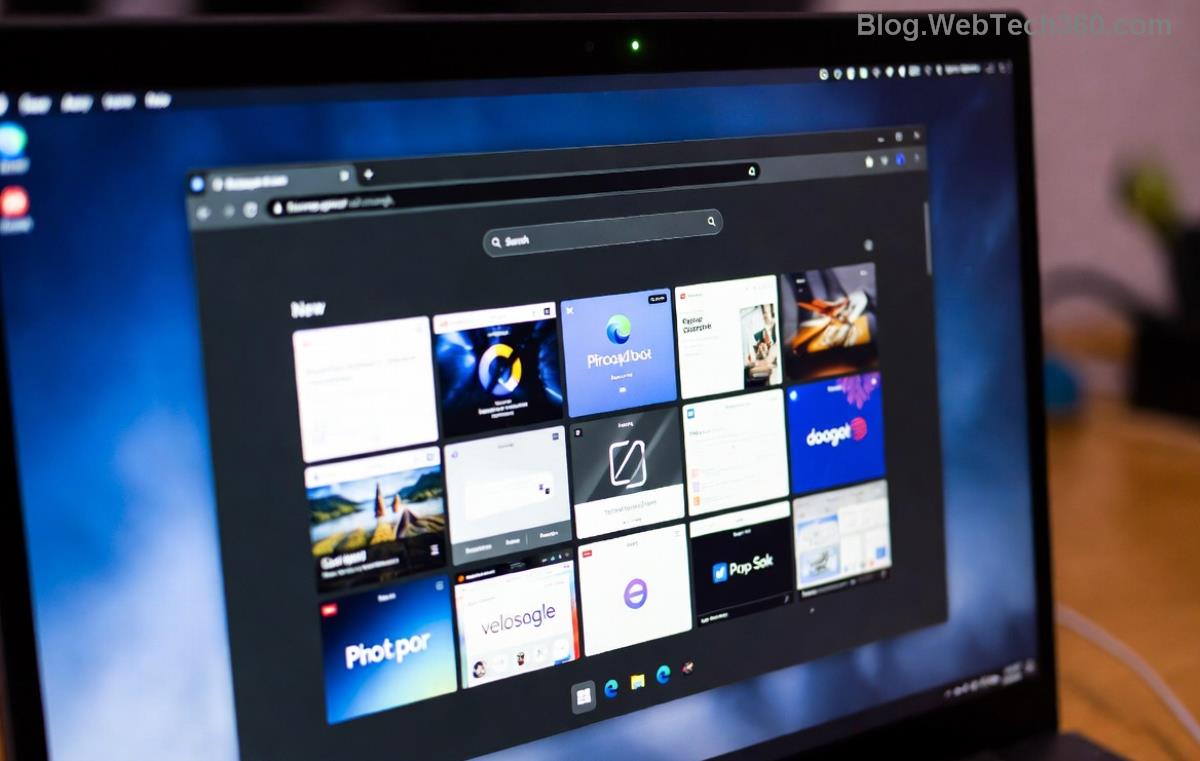
Microsoft Edge Extensions Manager Dashboard

Step 2: Install New Microsoft Edge Extensions Safely

Craving more power? Head to the Edge Add-ons store:

Step Action Tip
1๏ธโƒฃ Visit Edge Add-ons Search for trusted ones like uBlock Origin โญ
2๏ธโƒฃ Click Get > Install Review permissions popup carefully!
3๏ธโƒฃ Manage via dashboard Enable Developer mode for unpacked extensions

During install, Edge shows a clear permissions list. Deny anything unnecessaryโ€”your data stays yours. ๐ŸŽ‰

Step 3: Master Edge Extensions Permissions Control

Permissions are the heart of security. Here's how to fine-tune them:

  1. ๐Ÿ›ก๏ธ In the extensions page, click Details under any extension.
  2. ๐Ÿ“‹ Scroll to Permissions sectionโ€”see site access levels like "Read and change your data on all websites."
  3. โœ๏ธ Toggle individual permissions or use Site access dropdown: On all sites, On click, or Off.

For advanced users: Edge's Enhanced Security mode (under Settings > Privacy) blocks risky extensions automatically. Feeling empowered? You should! ๐Ÿ’ช

Managing Permissions in Microsoft Edge Extensions Details

Step 4: Organize and Optimize Your Extensions

Too many extensions? Time to declutter:

  • Sort by impact: Edge flags high-CPU users with warnings.
  • Update automatically: Enable in Settings for latest security patches.
  • Export/Import: Use Developer mode > Pack extension for backups.

Want a performance table? Check this quick reference:

Extension Type Common Permissions Best Practice
Ad Blocker Tabs, Storage Limit to specific sites
Password Manager Cookies, Forms Verify developer reputation
Productivity Downloads, Clipboard Review logs regularly
Optimizing Microsoft Edge Extensions Performance

Common Issues and Quick Fixes ๐Ÿ˜Ž

Extensions crashing? Here's your troubleshoot toolkit:

  1. โŒ Disable all and re-enable one-by-one to find culprits.
  2. ๐Ÿ”„ Clear cache: Settings > Privacy > Clear browsing data.
  3. ๐Ÿ†• Reset Edge: edge://settings/reset (keeps bookmarks safe).
  4. ๐Ÿ“ž Stuck? Visit Microsoft Edge Support.

Bonus: Use Edge's Collections feature to group related extensions for workflows.

Best Practices for Long-Term Success โญ

To keep your setup humming:

  • ๐Ÿ‘€ Audit monthly: Remove unused extensions.
  • ๐Ÿ”’ Stick to verified publishers.
  • ๐Ÿ“ฑ Sync across devices via Microsoft account.
  • ๐Ÿš€ Experiment with Edge's sidebar for pinned extensions.

Mastering these keeps your browser lean, mean, and secure. Imagine browsing without lags or worriesโ€” that's the Edge life! ๐ŸŒŸ

Wrap-Up: Level Up Your Browsing Today

You now know exactly how to manage Microsoft Edge extensions and permissions like a pro. Start with your dashboard, tweak those permissions, and watch your productivity soar. Got a favorite extension hack? Drop it in the comments belowโ€”we love hearing your wins! ๐Ÿ‘‡ Keep exploring Edge's power, and happy browsing! ๐ŸŽŠ


Leave a Comment

How to Fix Netflix Error on Microsoft Edge Desktop | Proven Fixes 2026

How to Fix Netflix Error on Microsoft Edge Desktop | Proven Fixes 2026

Struggling with Netflix error on Microsoft Edge desktop? Discover step-by-step fixes like clearing cache, disabling extensions, and more to stream seamlessly. Quick, easy solutions that work!

Unlock Peak Productivity: How to Use Microsoft Edge for Remote Work and Education

Unlock Peak Productivity: How to Use Microsoft Edge for Remote Work and Education

Master remote work and education with Microsoft Edge. Learn essential features like Collections, Immersive Reader, and Copilot integration for seamless productivity and learning. Boost efficiency today!

๐Ÿš€ Ultimate Fix: Banish Microsoft Edge Cant Read and Write to Data Directory Error Forever!

๐Ÿš€ Ultimate Fix: Banish Microsoft Edge Cant Read and Write to Data Directory Error Forever!

Struggling with Microsoft Edge "Can't Read and Write to Data Directory" error? Discover proven, step-by-step fixes to restore smooth browsing instantly. No tech skills needed!

๐Ÿ”ง Fix Microsoft Edge Page Unresponsive Error in 2026: 10 Proven Steps to Instant Relief!

๐Ÿ”ง Fix Microsoft Edge Page Unresponsive Error in 2026: 10 Proven Steps to Instant Relief!

Tired of Microsoft Edge Page Unresponsive Error freezing your browsing? Follow our 2026-updated guide with quick fixes like reloading tabs, clearing cache, and disabling extensions to restore smooth performance fast. No tech skills needed!

Stuck with Microsoft Edge Certificate Error on Public Wi-Fi? Fix It in Minutes!

Stuck with Microsoft Edge Certificate Error on Public Wi-Fi? Fix It in Minutes!

Tired of Microsoft Edge Certificate Error blocking your public Wi-Fi access? Discover proven, step-by-step fixes to resolve this frustrating issue safely and quickly for uninterrupted browsing.

๐Ÿš€ Fix Microsoft Edge Installer Error 124 on Windows 10 โ€“ Quick & Proven Solutions!

๐Ÿš€ Fix Microsoft Edge Installer Error 124 on Windows 10 โ€“ Quick & Proven Solutions!

Tired of Microsoft Edge Installer Error 124 blocking your Windows 10 updates? Follow our step-by-step guide with proven fixes to resolve it fast and restore smooth browsing. No tech skills needed!

๐Ÿš€ 2026 Ultimate Guide: Fix Error Code 403 Forbidden in Microsoft Edge Instantly (Proven Steps)

๐Ÿš€ 2026 Ultimate Guide: Fix Error Code 403 Forbidden in Microsoft Edge Instantly (Proven Steps)

Struggling with Error Code 403 Forbidden in Microsoft Edge? Discover proven 2026 fixes to regain access fast. Clear cache, disable extensions, and more in this step-by-step guide for seamless browsing.

๐Ÿš€ Fix Microsoft Edge Bluetooth LE Sync Error in Minutes: Proven 2026 Solutions

๐Ÿš€ Fix Microsoft Edge Bluetooth LE Sync Error in Minutes: Proven 2026 Solutions

Struggling with Microsoft Edge "Bluetooth LE" Sync Error? Discover step-by-step fixes to restore seamless syncing. Quick, reliable solutions for Windows users in 2026. No tech skills needed!

๐Ÿš€ Fix Microsoft Edge WebView2 Runtime Error in Citrix โ€“ Proven Steps to Instant Relief!

๐Ÿš€ Fix Microsoft Edge WebView2 Runtime Error in Citrix โ€“ Proven Steps to Instant Relief!

Tired of Microsoft Edge "WebView2 Runtime Error" crashing your Citrix sessions? Follow this expert troubleshooting Microsoft Edge "WebView2 Runtime Error" (Citrix) guide for quick, reliable fixes that work every time.

๐Ÿš€ Fix Microsoft Edge Audio Popping & No Sound Issues Instantly โ€“ Proven 2026 Solutions!

๐Ÿš€ Fix Microsoft Edge Audio Popping & No Sound Issues Instantly โ€“ Proven 2026 Solutions!

Tired of Microsoft Edge audio popping or complete no sound issues? Discover step-by-step fixes that work flawlessly, from quick tweaks to advanced troubleshooting. Restore crystal-clear audio in Edge today!