Stuck with WebView2 Runtime Already Installed Error on Microsoft Edge? Ultimate Fix Guide! πŸ”§

Encountering the pesky "WebView2 Runtime Already Installed" error when trying to set up or update Microsoft Edge? You're not alone! 😀 This common hiccup blocks apps and extensions relying on WebView2 Runtime, but don't worryβ€”we've got your back with proven, straightforward fixes. Follow this guide to resolve it in minutes and restore smooth performance. Let's dive in!
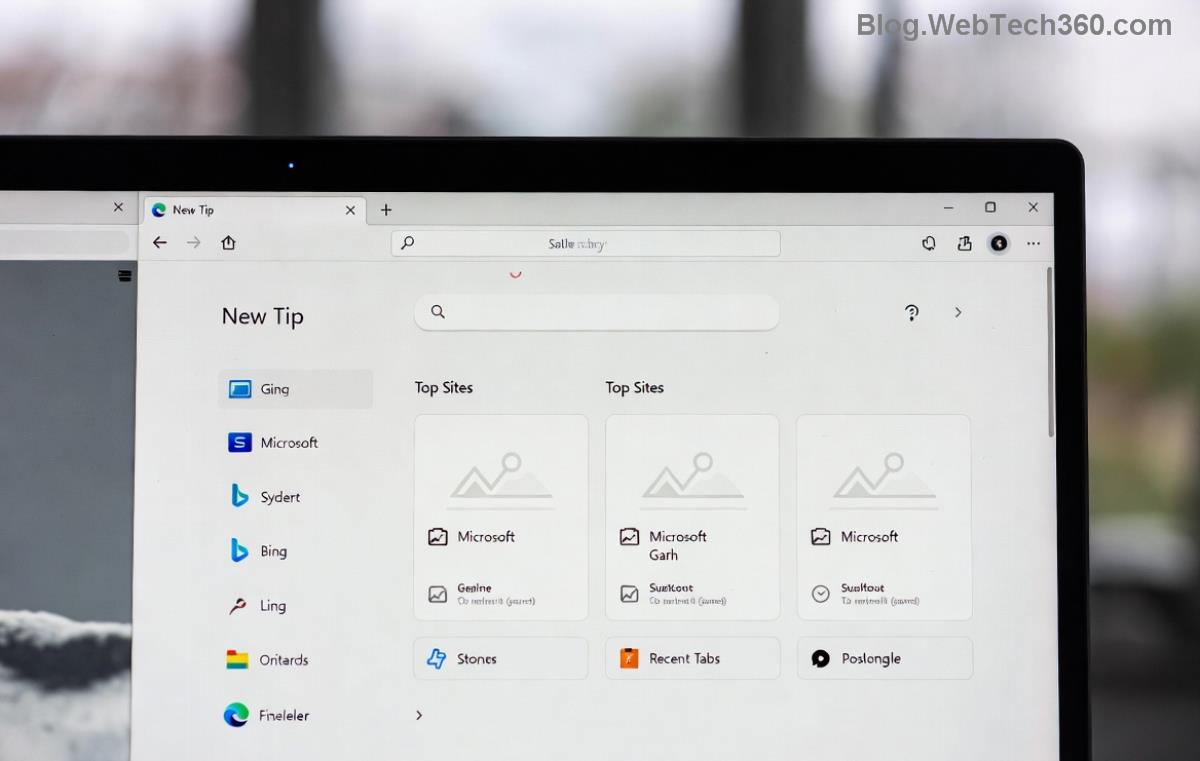
Microsoft Edge WebView2 Runtime Already Installed error screenshot

What is WebView2 Runtime and Why Does This Error Happen? πŸ€”

WebView2 Runtime is a crucial component embedded in Microsoft Edge, powering modern web experiences in desktop apps like Adobe Acrobat, Autodesk tools, and more. It renders web content using Edge's Chromium engine without needing a full browser install.

The "WebView2 Runtime Already Installed" message pops up during installation or updates, even when it's outdated, corrupted, or mismatched. Common culprits include:

  • βœ… Incomplete previous installs
  • ❌ Corrupted registry entries
  • πŸ”’ Conflicting antivirus interference
  • πŸ“₯ Version mismatches between Evergreen (auto-updating) and Fixed Version runtimes

Quick Checklist: Is WebView2 Runtime Truly Installed? πŸ•΅οΈβ€β™‚οΈ

Before troubleshooting, verify status:

Check Method Steps Expected Result
Apps & Features Settings > Apps > Search "WebView2" Listed with version (e.g., 128.x.x.x)
Command Prompt Run: reg query "HKLM\SOFTWARE\WOW6432Node\Microsoft\EdgeUpdate\Clients\{F3017226-FE2A-4295-8BDF-00C3A9A7E4C5}" pv key shows path if installed
Edge Internals edge://version/ – Look for WebView2 Version details displayed

Step-by-Step Troubleshooting Microsoft Edge "WebView2 Runtime Already Installed" Fixes πŸš€

Start with the simplestβ€”most users fix it here! Progress if needed.

1️⃣ Method 1: Repair or Reset via Windows Settings (Easiest Fix)

  1. Press Win + I β†’ Apps β†’ Installed apps β†’ Search "WebView2 Runtime".
  2. Click three dots β†’ Modify β†’ Repair (quick) or Reset (thorough).
  3. Restart PC and test.
Pro Tip: If not listed, skip to uninstall.
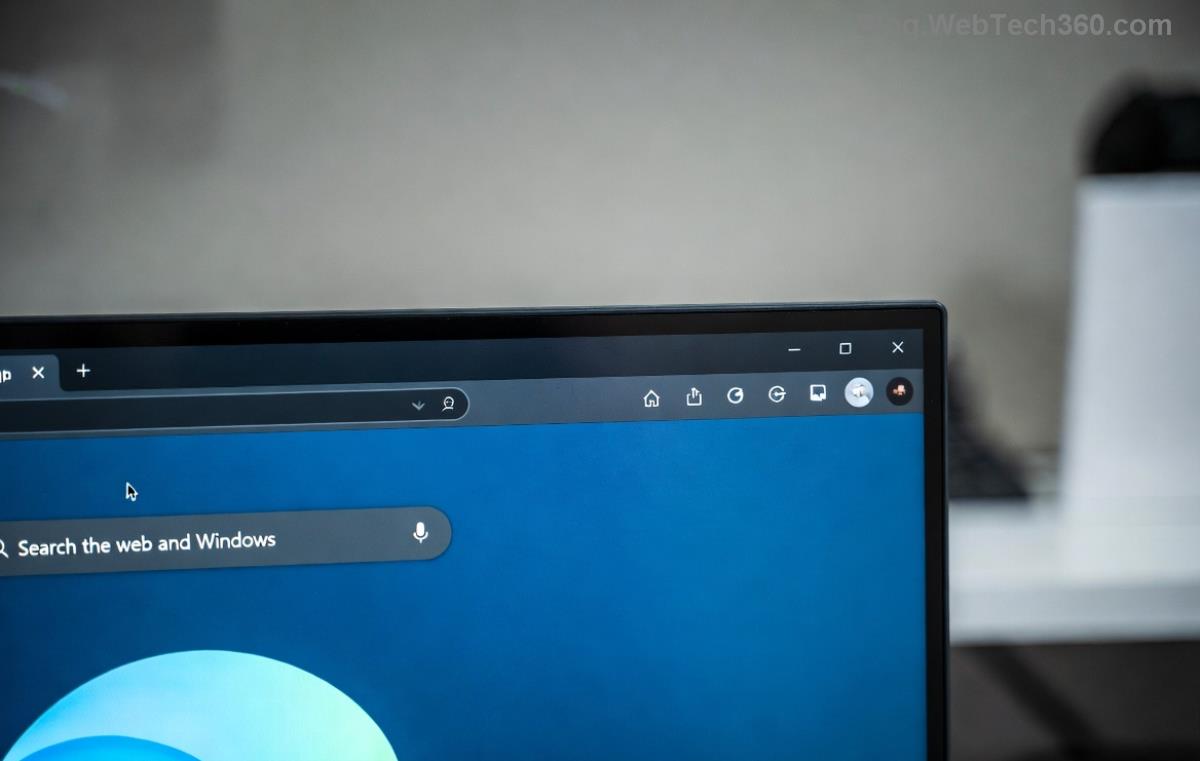
Repair WebView2 Runtime option in Windows Settings

2️⃣ Method 2: Full Uninstall and Reinstall

Gone rogue? Wipe it clean:

  1. Download official WebView2 Runtime installer (Evergreen Bootstrapper for auto-updates).
  2. Uninstall via Apps & Features (both x64 and x86 if present).
  3. Run Command Prompt as Admin: %programfiles(x86)%\Microsoft\EdgeWebView\Application\<version>\Installer\uninstall.exe /force-uninstall (replace <version>).
  4. Delete leftovers: %localappdata%\Microsoft\EdgeWebView and Registry: HKEY_LOCAL_MACHINE\SOFTWARE\Microsoft\EdgeUpdate\Clients\{F3017226-FE2A-4295-8BDF-00C3A9A7E4C5}.
  5. Reboot β†’ Reinstall from Microsoft site.

3️⃣ Method 3: Update Microsoft Edge and Run Troubleshooter

WebView2 ties to Edgeβ€”update both:

  • Edge: edge://settings/help β†’ Update.
  • Windows Troubleshooter: Settings β†’ System β†’ Troubleshoot β†’ Other β†’ Program Compatibility β†’ Run for WebView2 installer.
Microsoft Edge update and WebView2 troubleshooter interface

4️⃣ Advanced Fixes: PowerShell and Registry Cleanup πŸ› οΈ

For stubborn cases:

PowerShell (Admin):
Get-AppxPackage *WebView* | Remove-AppxPackage
Get-AppxProvisionedPackage -Online | Where-Object DisplayName -like *WebView* | Remove-AppxProvisionedPackage -Online

Registry caution: Backup first via regedit β†’ File β†’ Export. Delete EdgeUpdate keys under HKLM\SOFTWARE\Microsoft.

⚠️ Always create a system restore point before registry edits!

Prevention Tips: Avoid Future WebView2 Runtime Headaches ⭐

  • πŸ”„ Use Evergreen Bootstrapper for automatic updates.
  • πŸ›‘οΈ Temporarily disable antivirus during install.
  • πŸ“± Keep Windows and Microsoft Edge updated.
  • βœ… Verify with Microsoft's distribution guide.

Congratsβ€”you've conquered the "WebView2 Runtime Already Installed" error! πŸŽ‰ Your apps should now hum along perfectly. If issues persist, drop a comment belowβ€”what step worked for you? Stay tuned for more Microsoft Edge tips to supercharge your setup. Happy browsing! πŸš€


Leave a Comment

πŸš€ Fix Microsoft Edge Sidebar Not Opening Glitch: 10 Proven Steps That Work Instantly

πŸš€ Fix Microsoft Edge Sidebar Not Opening Glitch: 10 Proven Steps That Work Instantly

Tired of the Microsoft Edge "Sidebar Not Opening" glitch ruining your workflow? Get instant fixes with our step-by-step troubleshooting guide. Updated for the latest Edge versions – no tech skills needed!

πŸš€ Supercharge Your Browsing: How to Update Microsoft Edge to the Latest 2026 Version in Minutes!

πŸš€ Supercharge Your Browsing: How to Update Microsoft Edge to the Latest 2026 Version in Minutes!

Master how to update Microsoft Edge to the latest 2026 version with easy, step-by-step guides. Unlock faster speeds, top security, and new AI features on Windows, Mac, Android, and more – no tech skills needed!

πŸš€ Ultimate 2026 Fix: How to Fix Microsoft Edge Winaero Tweaker Issues in Minutes!

πŸš€ Ultimate 2026 Fix: How to Fix Microsoft Edge Winaero Tweaker Issues in Minutes!

Discover the ultimate guide on How to Fix Microsoft Edge "Winaero Tweaker" Fix 2026. Step-by-step solutions for crashes, slowdowns, and tweaks gone wrong – restore your browser fast!

Unlock Your Browser Data: How to Export Microsoft Edge Passwords and Settings in Minutes

Unlock Your Browser Data: How to Export Microsoft Edge Passwords and Settings in Minutes

Discover the easiest ways on how to export Microsoft Edge passwords and settings. Step-by-step guide with tips to securely backup your data and switch browsers effortlessly. Save time and stay secure!

πŸš€ Fix Microsoft Edge Installer Error 514 Instantly: Proven 2026 Solutions

πŸš€ Fix Microsoft Edge Installer Error 514 Instantly: Proven 2026 Solutions

Struggling with Microsoft Edge Installer Error 514? Discover step-by-step fixes to resolve this frustrating issue quickly. Run as admin, SFC scans, and more for seamless installation. Updated with latest tips!

πŸš€ Ultimate Fix: How to Fix Microsoft Edge 404 Not Found Error in Minutes!

πŸš€ Ultimate Fix: How to Fix Microsoft Edge 404 Not Found Error in Minutes!

Struggling with Microsoft Edge "404 Not Found" error? Discover proven, step-by-step fixes to resolve it quickly. Clear cache, reset settings, and more for seamless browsing. Updated with the latest tips!

πŸš€ Unlock Ultimate Privacy: How to Use Microsoft Edge Built-in VPN for Bulletproof Secure Browsing

πŸš€ Unlock Ultimate Privacy: How to Use Microsoft Edge Built-in VPN for Bulletproof Secure Browsing

Discover step-by-step how to activate and master the Microsoft Edge built-in VPN for secure browsing. Enjoy free 1GB/month data, block trackers, and browse safely with Edge&#39;s latest VPN features. Perfect for beginners!

πŸš€ Instant Fix: Banish Microsoft Edge Result_Code_Killed_Bad_Message Error Forever!

πŸš€ Instant Fix: Banish Microsoft Edge Result_Code_Killed_Bad_Message Error Forever!

Tired of Microsoft Edge crashing with "Result_Code_Killed_Bad_Message"? Follow our expert, step-by-step guide to fix this renderer error quickly and restore smooth browsing. Proven solutions for all users.

πŸš€ Fix Microsoft Edge Startup Boost High Disk Usage Instantly – Proven 2026 Guide!

πŸš€ Fix Microsoft Edge Startup Boost High Disk Usage Instantly – Proven 2026 Guide!

Tired of Microsoft Edge Startup Boost causing sky-high disk usage? Get step-by-step fixes to reclaim your PC speed. Disable it now and boost performance effortlessly!

πŸš€ Fix Microsoft Edge DNS Probe Finished No Internet Error – Ultimate 2026 Guide!

πŸš€ Fix Microsoft Edge DNS Probe Finished No Internet Error – Ultimate 2026 Guide!

Tired of Microsoft Edge showing "DNS Probe Finished No Internet"? Get instant fixes with step-by-step solutions. Restore your browsing in minutes – no tech skills needed!