Lightning-Fast Browsing: How to Speed Up Microsoft Edge on Slow PCs in Minutes!

Is your Microsoft Edge crawling on a slow PC? 😩 You're not alone—millions face laggy tabs, endless loading, and frustrating freezes. But here's the good news: speed up Microsoft Edge performance is simpler than you think. No need for pricey upgrades! These battle-tested tips, drawn from the latest Edge features, will transform your browsing. Ready to reclaim your speed? Let's dive in! 🚀
Slow PC with lagging Microsoft Edge browser illustration

1. Enable Efficiency Mode: Your Instant Speed Booster ⭐

The star of Microsoft Edge performance tweaks—Efficiency Mode slashes resource use by up to 35%! It intelligently throttles background tabs and CPU hogs.

  1. Click the three-dot menu > Settings > System and performance.
  2. Toggle Efficiency mode to "Always on" or "When in battery saver." 👍

Result? Smoother scrolling and faster page loads on slow PCs. Test it now—your PC will thank you!

2. Activate Sleeping Tabs: Tame Tab Overload 🛌

Too many tabs? They devour RAM. Sleeping Tabs hibernates inactive ones, freeing memory without closing them.

  • Go to edge://settings/system.
  • Turn on "Sleeping tabs" and set to sleep after 2 hours (or sooner for max speed). 1️⃣

Pro tip: Combine with Efficiency Mode for Microsoft Edge flying on low-end hardware. Users report 20-40% RAM savings!

3. Turn On Startup Boost: Skip the Boot Lag ⚡

Edge loads faster by pre-loading into memory. Perfect for slow PCs.

FeatureBeforeAfter Startup Boost
Startup Time10-15s2-5s
RAM UsageHighOptimized
Best For-Slow PCs

Enable via Settings > System > Startup boost. Instant wins!
Microsoft Edge settings menu for performance tweaks

4. Clear Cache and Cookies: Fresh Start for Speed 🧹

Bloated cache slows everything. Quick fix:

  1. Settings > Privacy, search, and services > Clear browsing data.
  2. Select "Cached images and files" > Clear now. 2️⃣

Do this weekly. Bonus: Use Microsoft's official guide for more.

5. Hunt Rogue Extensions: Less is More 🔍

Extensions love RAM. Audit them:

  • edge://extensions/ > Disable non-essentials.
  • Prioritize: Ad blockers only if lightweight. ⭐

Result: Up to 50% faster Microsoft Edge performance on sluggish machines.

6. Hardware Acceleration: Leverage Your GPU 🎮

Offload tasks to graphics card:

  1. Settings > System > Use hardware acceleration (toggle ON).
  2. Restart Edge. 🚀

Ideal for slow PCs with integrated graphics. Warning: If issues arise, toggle off.

7. Smart Flags: Unlock Hidden Speed (Advanced) 🛠️

Edge's secret lab: edge://flags.

Search and enable:

  • #edge-enable-resource-scheduler
  • #enable-lazy-frame-loading
  • #smooth-scrolling

Restart. These experimental gems boost speed up Microsoft Edge by optimizing rendering. Proceed cautiously!
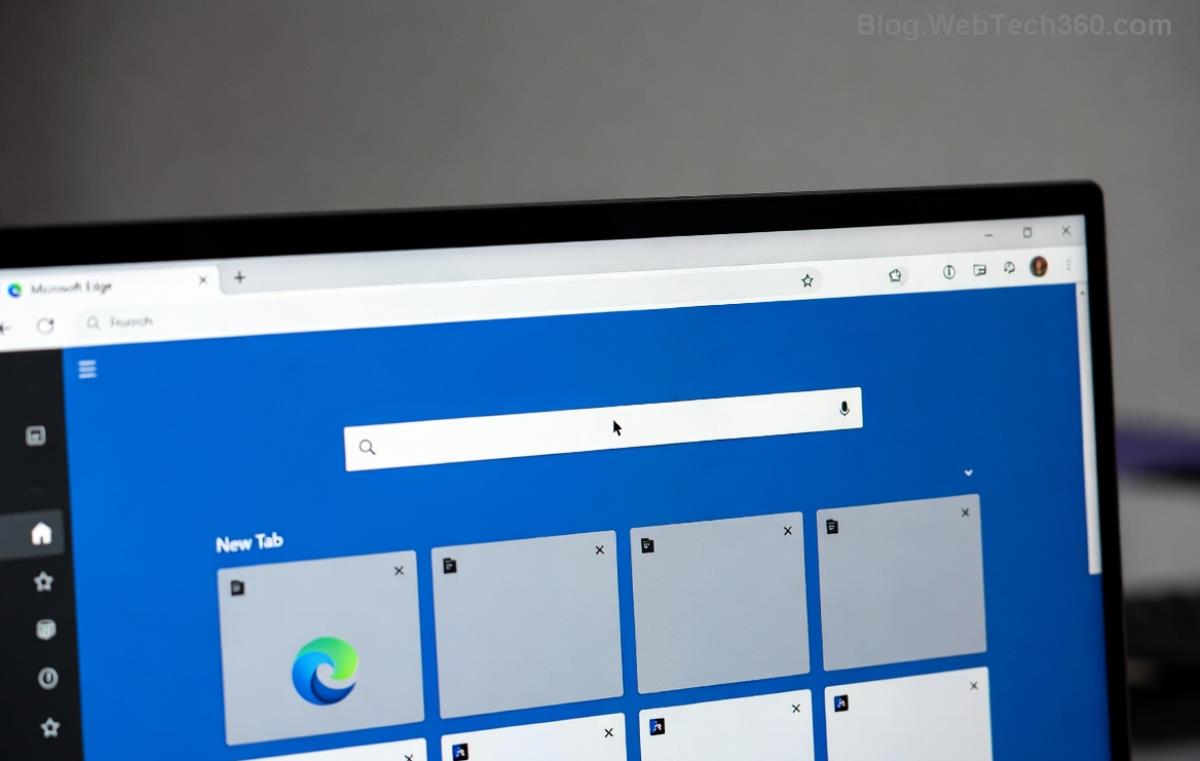
Optimized Microsoft Edge dashboard on fast PC

8. PC-Wide Tweaks for Edge Glory 💻

Edge shines brighter with system help:

  1. Update Windows: Settings > Windows Update.
  2. Free disk space: Delete temp files via Disk Cleanup.
  3. Scan for malware: Use built-in Defender. 3️⃣

Pair with Edge updates: Help > About Microsoft Edge (auto-updates to latest).

Bonus: Vertical Tabs & Collections for Efficiency 📋

Switch to vertical tabs (Settings > Appearance) to declutter. Collections organize without extra tabs—pure speed!

Measure Your Gains: Before & After

Use edge://performance/ dashboard. Track CPU, memory—watch drops post-tweaks. Share your results in comments! 👏

Voila! Your slow PC now handles Microsoft Edge like a champ. These steps—Efficiency Mode, Sleeping Tabs, and more—deliver real, lasting boosts. Bookmark this, apply one by one, and browse blissfully. Got questions? Drop below. Happy speeding! 🌟

For official tweaks, visit Microsoft Edge Learning Center.

Leave a Comment

How to Fix Netflix Error on Microsoft Edge Desktop | Proven Fixes 2026

How to Fix Netflix Error on Microsoft Edge Desktop | Proven Fixes 2026

Struggling with Netflix error on Microsoft Edge desktop? Discover step-by-step fixes like clearing cache, disabling extensions, and more to stream seamlessly. Quick, easy solutions that work!

Unlock Peak Productivity: How to Use Microsoft Edge for Remote Work and Education

Unlock Peak Productivity: How to Use Microsoft Edge for Remote Work and Education

Master remote work and education with Microsoft Edge. Learn essential features like Collections, Immersive Reader, and Copilot integration for seamless productivity and learning. Boost efficiency today!

🚀 Ultimate Fix: Banish Microsoft Edge Cant Read and Write to Data Directory Error Forever!

🚀 Ultimate Fix: Banish Microsoft Edge Cant Read and Write to Data Directory Error Forever!

Struggling with Microsoft Edge "Can't Read and Write to Data Directory" error? Discover proven, step-by-step fixes to restore smooth browsing instantly. No tech skills needed!

🔧 Fix Microsoft Edge Page Unresponsive Error in 2026: 10 Proven Steps to Instant Relief!

🔧 Fix Microsoft Edge Page Unresponsive Error in 2026: 10 Proven Steps to Instant Relief!

Tired of Microsoft Edge Page Unresponsive Error freezing your browsing? Follow our 2026-updated guide with quick fixes like reloading tabs, clearing cache, and disabling extensions to restore smooth performance fast. No tech skills needed!

Stuck with Microsoft Edge Certificate Error on Public Wi-Fi? Fix It in Minutes!

Stuck with Microsoft Edge Certificate Error on Public Wi-Fi? Fix It in Minutes!

Tired of Microsoft Edge Certificate Error blocking your public Wi-Fi access? Discover proven, step-by-step fixes to resolve this frustrating issue safely and quickly for uninterrupted browsing.

🚀 Fix Microsoft Edge Installer Error 124 on Windows 10 – Quick & Proven Solutions!

🚀 Fix Microsoft Edge Installer Error 124 on Windows 10 – Quick & Proven Solutions!

Tired of Microsoft Edge Installer Error 124 blocking your Windows 10 updates? Follow our step-by-step guide with proven fixes to resolve it fast and restore smooth browsing. No tech skills needed!

🚀 2026 Ultimate Guide: Fix Error Code 403 Forbidden in Microsoft Edge Instantly (Proven Steps)

🚀 2026 Ultimate Guide: Fix Error Code 403 Forbidden in Microsoft Edge Instantly (Proven Steps)

Struggling with Error Code 403 Forbidden in Microsoft Edge? Discover proven 2026 fixes to regain access fast. Clear cache, disable extensions, and more in this step-by-step guide for seamless browsing.

🚀 Fix Microsoft Edge Bluetooth LE Sync Error in Minutes: Proven 2026 Solutions

🚀 Fix Microsoft Edge Bluetooth LE Sync Error in Minutes: Proven 2026 Solutions

Struggling with Microsoft Edge "Bluetooth LE" Sync Error? Discover step-by-step fixes to restore seamless syncing. Quick, reliable solutions for Windows users in 2026. No tech skills needed!

🚀 Fix Microsoft Edge WebView2 Runtime Error in Citrix – Proven Steps to Instant Relief!

🚀 Fix Microsoft Edge WebView2 Runtime Error in Citrix – Proven Steps to Instant Relief!

Tired of Microsoft Edge "WebView2 Runtime Error" crashing your Citrix sessions? Follow this expert troubleshooting Microsoft Edge "WebView2 Runtime Error" (Citrix) guide for quick, reliable fixes that work every time.

🚀 Fix Microsoft Edge Audio Popping & No Sound Issues Instantly – Proven 2026 Solutions!

🚀 Fix Microsoft Edge Audio Popping & No Sound Issues Instantly – Proven 2026 Solutions!

Tired of Microsoft Edge audio popping or complete no sound issues? Discover step-by-step fixes that work flawlessly, from quick tweaks to advanced troubleshooting. Restore crystal-clear audio in Edge today!