Encountering the dreaded Microsoft Edge ERR_CONNECTION_REFUSED error? 😩 Don't worry—this common issue blocks your browsing but can be fixed quickly. It means the server actively refused your connection, often due to local glitches, network hiccups, or security blocks. Our guide delivers straightforward, tested solutions to get you browsing smoothly again. Let's dive in and reclaim your Edge experience! ➡️
What Causes ERR_CONNECTION_REFUSED in Microsoft Edge?
Understanding the root helps you fix it faster. Top triggers include:
- 🔒 Firewall or antivirus blocking Edge.
- 🌐 Proxy/VPN misconfigurations.
- 🗑️ Corrupted cache, cookies, or browser data.
- 📡 Faulty internet or DNS issues.
- ⚙️ Outdated Edge or Windows settings.
Ready to troubleshoot? Follow these steps in order—most users resolve it by step 3! ✅
Quick Fixes: Solve Microsoft Edge ERR_CONNECTION_REFUSED in Minutes
1️⃣ Check Your Internet Connection
Basic but essential! Test on another device or browser. If spotty:
- Restart your modem/router (unplug 30 seconds).
- Switch to mobile hotspot temporarily.
- Run Windows Network Troubleshooter: Settings > Network & Internet > Status > Network troubleshooter.
Pro tip: Ping google.com in Command Prompt (ping google.com). No response? Contact your ISP.
2️⃣ Restart Microsoft Edge and Your PC
The simplest reset often clears temporary glitches.
- Close all Edge windows (use Task Manager: Ctrl+Shift+Esc > End task on msedge.exe).
- Restart your computer.
- Launch Edge in InPrivate mode: Ctrl+Shift+N. Works? Issue is extensions/data.
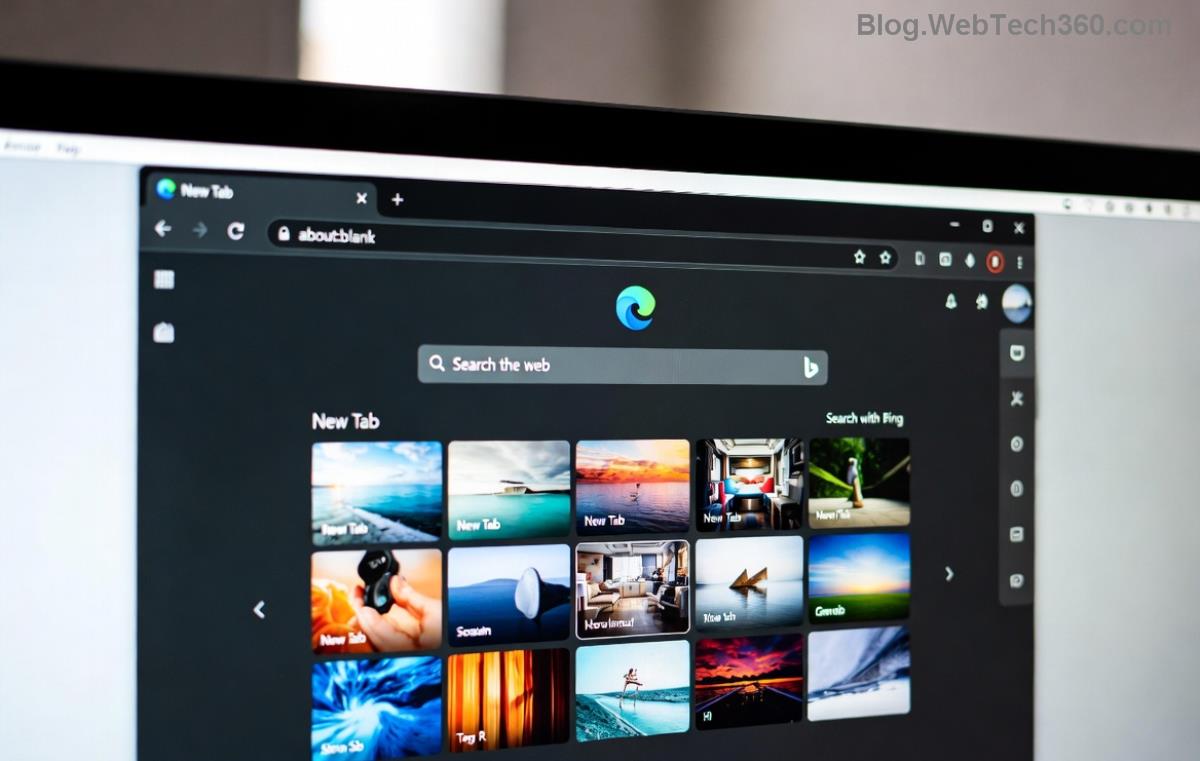
3️⃣ Clear Cache and Cookies in Edge
Corrupted data is a prime culprit for ERR_CONNECTION_REFUSED.
- Open Edge > Three dots > Settings > Privacy, search, and services.
- Choose Clear browsing data > Select "All time" for Cached images/files and Cookies.
- Click Clear now. Restart Edge.
Bonus: Disable extensions one-by-one via edge://extensions/ to isolate blockers.
4️⃣ Disable Firewall/Antivirus Temporarily
Security software loves overprotecting. Test by pausing it:
| Software | Quick Disable Steps |
|---|
| Windows Firewall | Settings > Update & Security > Windows Security > Firewall & network protection > Turn off for your network. |
| Norton/McAfee | Right-click tray icon > Disable for 15 mins. |
| Avast/Avg | Open app > Menu > Settings > Troubleshooting > Temporarily disable shields. |
Edge connects? Add exception for Edge.exe (usually in C:\Program Files (x86)\Microsoft\Edge\Application\).
5️⃣ Flush DNS and Reset Network
Stale DNS caches cause refusals. Open Command Prompt as Admin:
ipconfig /flushdns
netsh int ip reset
netsh winsock reset
Restart PC. For stubborn cases, change DNS to Google's: Settings > Network > Properties > IPv4 > Use 8.8.8.8 and 8.8.4.4. 🎉
6️⃣ Reset Edge Settings or Reinstall
If nothing works:
- Edge Settings > Reset settings > Restore to default.
- Still broken? Uninstall via Settings > Apps > Microsoft Edge > Uninstall, then download fresh from Microsoft.
7️⃣ Advanced: Check Proxy and Hosts File
Edge Settings > System > Open proxy settings—ensure no manual proxy. Edit hosts file (C:\Windows\System32\drivers\etc\hosts) as Admin: Remove suspicious entries beyond 127.0.0.1 localhost.
Prevention Tips for ERR_CONNECTION_REFUSED Free Browsing
- ⭐ Keep Edge updated: edge://settings/help.
- ⭐ Use reliable VPNs like ExpressVPN—avoid free ones.
- ⭐ Regularly clear cache weekly.
- ⭐ Scan for malware with Windows Defender.
Still Stuck? Next Steps
If Microsoft Edge ERR_CONNECTION_REFUSED persists site-specifically, it's server-side—wait or contact site admin. For system-wide, check Event Viewer (eventvwr.msc) for clues or visit Microsoft Community.
You've got this! These steps have helped thousands restore seamless browsing. Share your fix in comments—what worked for you? 👏 Stay connected!