🚀 Ultimate Guide: How to Reset Microsoft Edge Search History and Suggestions in Minutes!

Frustrated with unwanted Microsoft Edge search history popping up or irrelevant search suggestions slowing you down? You're not alone! Resetting this data restores privacy, speeds up your browser, and gives you a fresh start. Whether it's cached searches from Bing or synced history across devices, this guide walks you through every step. Ready to reclaim control? Let's dive in! 🌟

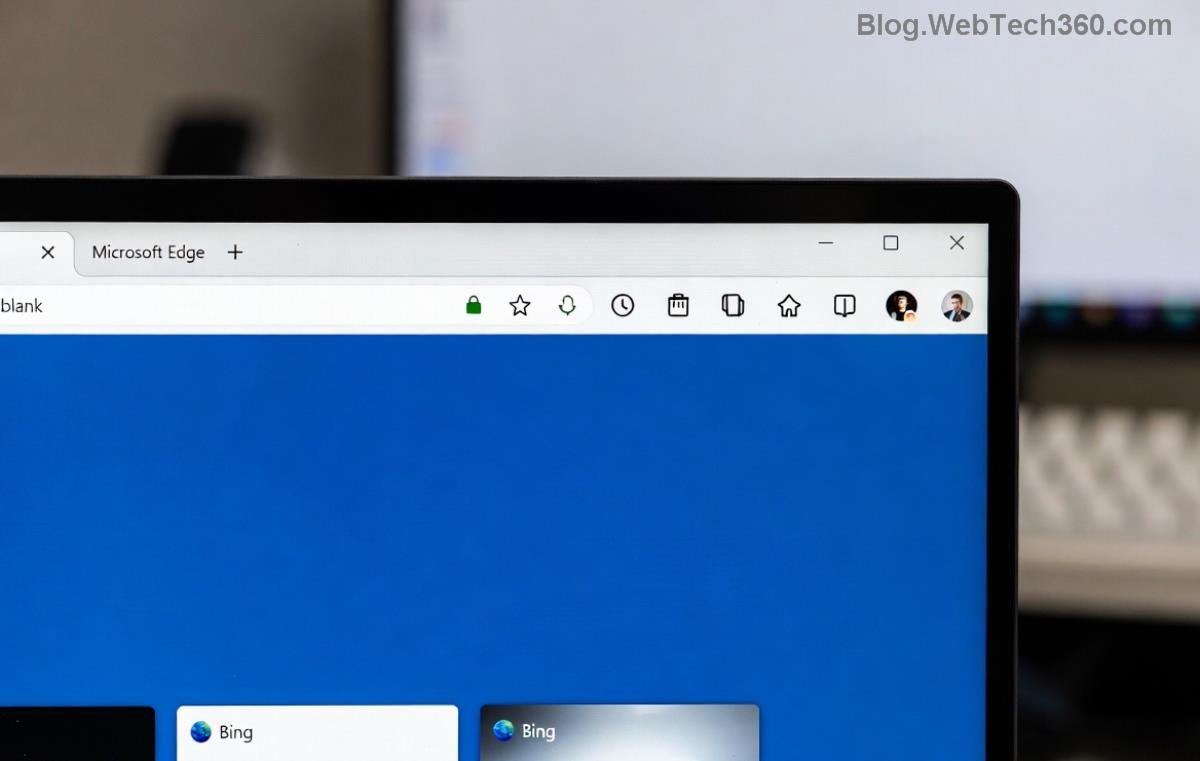
Microsoft Edge settings menu for clearing search history and suggestions

Why You Should Reset Microsoft Edge Search History and Suggestions

Over time, Microsoft Edge search history accumulates personal data, making suggestions overly specific—or worse, embarrassing! This can lead to:

  • Privacy risks from tracked searches.
  • Slower performance due to bloated cache.
  • Annoying autocomplete that doesn't match your current needs. 😩

Resetting clears this slate, especially useful if you've switched search providers or shared your device. Pro tip: Combine it with incognito mode for ultimate anonymity. Now, let's get to the good stuff! 👆

Method 1: Clear Browsing Data to Reset Microsoft Edge Search History

This is the fastest way to wipe Microsoft Edge search history. It targets history, cache, and cookies—everything feeding suggestions.

  1. 1️⃣ Open Microsoft Edge and click the three-dot menu (⋮) in the top-right corner.
  2. 2️⃣ Select Settings from the dropdown.
  3. 3️⃣ Navigate to Privacy, search, and services in the left sidebar.
  4. 4️⃣ Scroll to Clear browsing data and click Choose what to clear.
  5. 5️⃣ Pick a time range (e.g., All time for a full reset).
  6. 6️⃣ Check boxes for Browsing history, Cookies and other site data, and Cached images and files. ⭐
  7. 7️⃣ Hit Clear now. Boom—your search history is gone!

Want it automated? Toggle Clear browsing data on exit below for hands-free resets. Test it: Type a past search term—nothing should appear! 🎉

Method 2: Reset Search Suggestions Specifically

Search suggestions in Edge often come from Bing or your default engine. Here's how to nuke them:

  1. 1️⃣ In the same Privacy, search, and services menu, find Address bar and search.
  2. 2️⃣ Under Search suggestions, toggle off Show search suggestions and Show suggestions from history and other Microsoft services.
  3. 3️⃣ For Bing-specific history: Click Manage your Microsoft account search history—it opens your account page to delete synced data.
Step-by-step screenshot of disabling Microsoft Edge search suggestions

Still seeing suggestions? Clear your Microsoft account data via account.microsoft.com/privacy. This syncs the reset across devices.

Advanced: Full Microsoft Edge Reset for Stubborn Data

If basic clears don't cut it, reset Edge entirely:

Step Action What It Resets
1 Settings > Reset settings > Restore settings to their default values Preferences, extensions, search engines
2 Reinstall Edge via microsoft.com/edge Corrupted files, full history
3 Disable Sync (Profile > Sync) Cloud-stored suggestions

This nuclear option keeps bookmarks but eradicates all traces. Back up first! 💾

Troubleshooting Common Issues

Encounter hurdles? Here's quick fixes:

  • Suggestions persist post-clear? Restart Edge or check extensions like ad blockers interfering. ❌
  • Synced devices? Turn off sync on all, then re-enable after reset.
  • Not on Windows? macOS/Linux steps mirror this—Edge is cross-platform.
  • Pro tip: Use Keyboard shortcut Ctrl + Shift + Delete for instant clear dialog. ⌨️

For official deep dives, visit Microsoft's support at support.microsoft.com/en-us/microsoft-edge.

Bonus Tips to Keep Your Edge Sharp

Reset done? Maintain the wins:

  1. ⭐ Switch to Google search: Settings > Privacy > Address bar > Search engine used in address bar.
  2. Enable Tracking prevention (Strict mode) for fewer suggestions.
  3. Regularly review synced data in your Microsoft account. 🔒

Your browser feels lightning-fast now, right? Share this guide if it helped a friend. Got questions? Drop them below—we're all about smooth sailing! 🚀


Leave a Comment

🚀 Ultimate Guide: How to Reset Microsoft Edge Search History and Suggestions in Minutes!

🚀 Ultimate Guide: How to Reset Microsoft Edge Search History and Suggestions in Minutes!

Discover simple steps to reset Microsoft Edge search history and suggestions. Boost privacy, clear clutter, and optimize your browsing experience effortlessly in the latest version.

🚀 Fix Microsoft Edge Sync Paused Account Error: Proven Troubleshooting Steps

🚀 Fix Microsoft Edge Sync Paused Account Error: Proven Troubleshooting Steps

Tired of Microsoft Edge "Sync Paused" account error disrupting your browsing? Discover quick, effective troubleshooting steps to restore seamless sync across devices. Updated with the latest fixes for hassle-free Edge experience.

🚀 How to Permanently Disable Microsoft Edge Sidebar & Notifications (2026 Ultimate Guide)

🚀 How to Permanently Disable Microsoft Edge Sidebar & Notifications (2026 Ultimate Guide)

Discover simple steps to disable Microsoft Edge sidebar and notifications for a distraction-free browsing experience. Quick fixes for Windows, Mac, and mobile – updated for the latest Edge version!

🔧 Ultimate 2026 Fix: How to Fix Microsoft Edge MSI Error 1722 (100% Working Steps!)

🔧 Ultimate 2026 Fix: How to Fix Microsoft Edge MSI Error 1722 (100% Working Steps!)

Stuck with Microsoft Edge MSI Error 1722? This 2026 guide delivers proven, step-by-step fixes to resolve installation failures fast. Regain smooth browsing now!

Dont Lose Your Edge: Ultimate Guide to Backup Microsoft Edge Data Before System Reset

Dont Lose Your Edge: Ultimate Guide to Backup Microsoft Edge Data Before System Reset

Step-by-step guide on how to backup Microsoft Edge data like bookmarks, passwords, history, and settings before a system reset. Protect your browsing essentials with easy, reliable methods.

Unlock Global Browsing: How to Effortlessly Change Microsoft Edge Language and Region Settings

Unlock Global Browsing: How to Effortlessly Change Microsoft Edge Language and Region Settings

Master how to change Microsoft Edge language and region settings with simple, step-by-step guides for Windows, Mac, Android, and iOS. Customize your browser for a personalized global experience today!

Safely Remove Microsoft Edge WebView2 from Windows 10: Step-by-Step Guide to Avoid Errors

Safely Remove Microsoft Edge WebView2 from Windows 10: Step-by-Step Guide to Avoid Errors

Discover how to safely remove Microsoft Edge WebView2 on Windows 10. Follow our expert, step-by-step guide to uninstall without breaking apps or system stability. Essential tips for a smooth process.

How to Fix Netflix Error on Microsoft Edge Desktop | Proven Fixes 2026

How to Fix Netflix Error on Microsoft Edge Desktop | Proven Fixes 2026

Struggling with Netflix error on Microsoft Edge desktop? Discover step-by-step fixes like clearing cache, disabling extensions, and more to stream seamlessly. Quick, easy solutions that work!

Unlock Peak Productivity: How to Use Microsoft Edge for Remote Work and Education

Unlock Peak Productivity: How to Use Microsoft Edge for Remote Work and Education

Master remote work and education with Microsoft Edge. Learn essential features like Collections, Immersive Reader, and Copilot integration for seamless productivity and learning. Boost efficiency today!

🚀 Ultimate Fix: Banish Microsoft Edge Cant Read and Write to Data Directory Error Forever!

🚀 Ultimate Fix: Banish Microsoft Edge Cant Read and Write to Data Directory Error Forever!

Struggling with Microsoft Edge "Can't Read and Write to Data Directory" error? Discover proven, step-by-step fixes to restore smooth browsing instantly. No tech skills needed!






