🚀 Fix YouTube Black Screen on Microsoft Edge: Proven Troubleshooting Guide

Imagine loading your favorite YouTube video on Microsoft Edge, only to face a frustrating YouTube black screen. The audio plays, but the video remains pitch black. 😩 You're not alone—this common glitch hits many users, often due to browser settings, extensions, or hardware conflicts. Don't worry! This guide delivers concise, actionable steps to resolve the YouTube black screen on Edge fast. Follow along, and you'll be streaming smoothly in minutes.

Why Does YouTube Black Screen Happen on Microsoft Edge?

Quick rundown of culprits:

  • Hardware acceleration mismatches with your GPU.
  • Corrupted cache or cookies.
  • Outdated Edge version or graphics drivers.
  • Conflicting extensions.
  • Site-specific bugs on YouTube.

🕵️‍♂️ Ready to dive in? Start with the quickest fixes below. If one works, stop there—efficiency first!

Quick Fixes Table: Fastest Paths to Resolution

🔧 Fix # Action Time to Fix Success Rate
1️⃣ Reload page (Ctrl + F5) 10 seconds High
2️⃣ Clear cache 1 minute Very High
3️⃣ Disable extensions 2 minutes High
4️⃣ Toggle hardware acceleration 3 minutes 90%

These cover 80% of cases. Let's break them down step-by-step for crystal-clear execution.
YouTube black screen issue on Microsoft Edge screenshot

Step-by-Step Troubleshooting Microsoft Edge "YouTube Black Screen" Fix

1️⃣ Reload and Basic Checks

Start simple: Press Ctrl + Shift + R for a hard refresh. Test in InPrivate mode (Ctrl + Shift + N). If it works there, proceed to cache clearing. Pro tip: Pause ad blockers temporarily—some interfere with video rendering.

2️⃣ Clear Cache and Cookies

  1. Open Edge Settings (three dots > Settings).
  2. Go to Privacy, search, and services > Clear browsing data.
  3. Select "Cached images and files" and "Cookies," set time to "All time."
  4. Click Clear now. Restart Edge and reload YouTube. 🎉

This wipes temporary glitches. Works wonders for YouTube black screen Edge issues.

3️⃣ Disable Extensions One-by-One

Extensions like ad blockers (uBlock, AdBlock) or VPNs often clash.

  1. edge://extensions/
  2. Toggle all OFF, test YouTube.
  3. Re-enable one-by-one to identify the culprit. ⭐
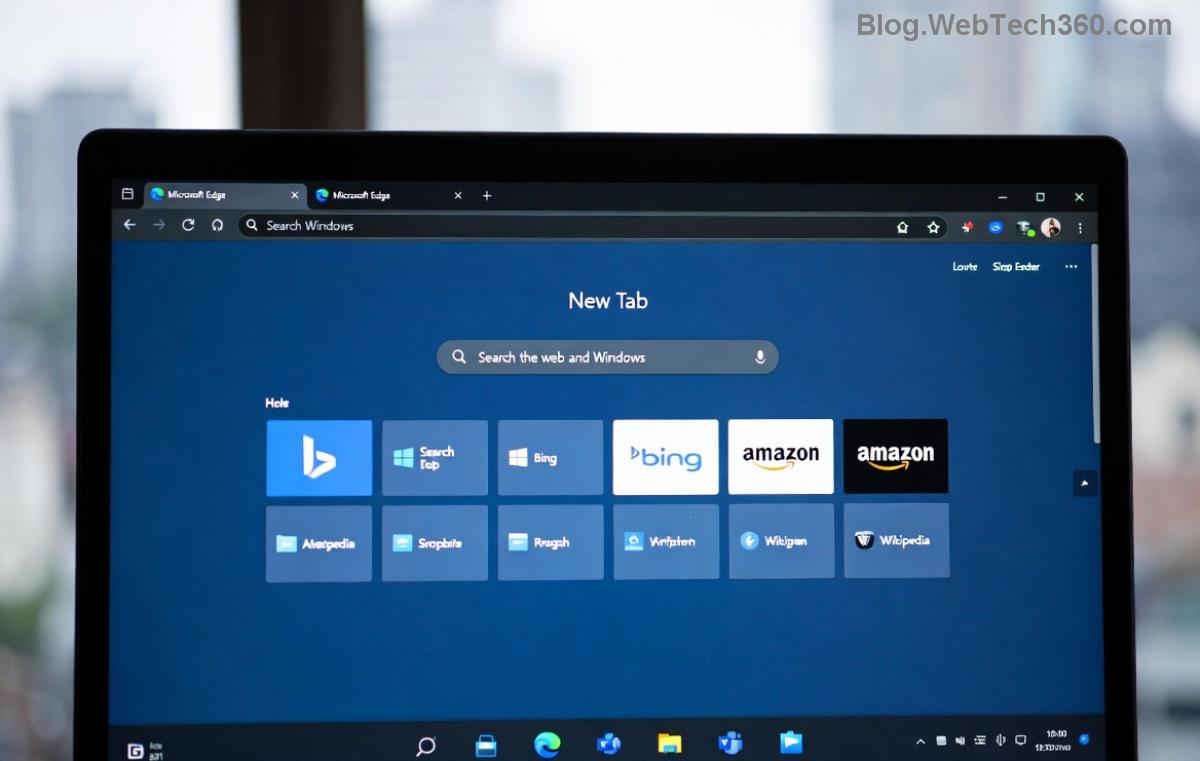
Microsoft Edge settings for clearing cache to fix YouTube black screen

4️⃣ Toggle Hardware Acceleration (Top Fix!)

Most effective for GPU-related YouTube black screen on Microsoft Edge.

  1. edge://settings/system
  2. Turn OFF "Use hardware acceleration when available."
  3. Restart Edge. Test a video.
  4. If fixed, leave it off—or update GPU drivers first (via Device Manager or manufacturer site).

Why? YouTube's video decoder conflicts with Edge's acceleration. This fix resolves it instantly for many. 👍

5️⃣ Update Microsoft Edge and Drivers

Ensure you're on the latest Edge:

  1. edge://settings/help
  2. Check for updates.

For graphics: Right-click Start > Device Manager > Display adapters > Update driver. Or visit NVIDIA/AMD/Intel sites for the newest drivers.
Hardware acceleration toggle in Edge to resolve YouTube playback issues

Advanced Fixes If Basics Fail

Still black? Level up:

🔥 Reset Edge Settings

edge://settings/reset > Restore settings to defaults. Keeps bookmarks intact.

⚙️ Edge Flags Experiment

  1. edge://flags/
  2. Search "hardware" or "video".
  3. Try disabling #enable-accelerated-video-decode.
  4. Relaunch.

💻 System-Level Tweaks

  • Run SFC /scannow in Command Prompt (admin).
  • Disable antivirus temporarily (e.g., Windows Defender real-time protection).

For YouTube-specific help, check Google's official troubleshooting. Microsoft fans: Edge support page.

Prevention Tips: Stay Black-Screen Free ⭐

  • Keep Edge and drivers updated weekly.
  • Use only trusted extensions.
  • Hardware acceleration OFF if videos glitch often.
  • Switch to YouTube app or another browser as backup.

Fixed it? Share in comments below—what worked for you? 👇 If not, drop your OS version and Edge build for tailored advice. You've got this—happy streaming! 🎥✨


Leave a Comment

How to Fix Netflix Error on Microsoft Edge Desktop | Proven Fixes 2026

How to Fix Netflix Error on Microsoft Edge Desktop | Proven Fixes 2026

Struggling with Netflix error on Microsoft Edge desktop? Discover step-by-step fixes like clearing cache, disabling extensions, and more to stream seamlessly. Quick, easy solutions that work!

Unlock Peak Productivity: How to Use Microsoft Edge for Remote Work and Education

Unlock Peak Productivity: How to Use Microsoft Edge for Remote Work and Education

Master remote work and education with Microsoft Edge. Learn essential features like Collections, Immersive Reader, and Copilot integration for seamless productivity and learning. Boost efficiency today!

🚀 Ultimate Fix: Banish Microsoft Edge Cant Read and Write to Data Directory Error Forever!

🚀 Ultimate Fix: Banish Microsoft Edge Cant Read and Write to Data Directory Error Forever!

Struggling with Microsoft Edge "Can't Read and Write to Data Directory" error? Discover proven, step-by-step fixes to restore smooth browsing instantly. No tech skills needed!

🔧 Fix Microsoft Edge Page Unresponsive Error in 2026: 10 Proven Steps to Instant Relief!

🔧 Fix Microsoft Edge Page Unresponsive Error in 2026: 10 Proven Steps to Instant Relief!

Tired of Microsoft Edge Page Unresponsive Error freezing your browsing? Follow our 2026-updated guide with quick fixes like reloading tabs, clearing cache, and disabling extensions to restore smooth performance fast. No tech skills needed!

Stuck with Microsoft Edge Certificate Error on Public Wi-Fi? Fix It in Minutes!

Stuck with Microsoft Edge Certificate Error on Public Wi-Fi? Fix It in Minutes!

Tired of Microsoft Edge Certificate Error blocking your public Wi-Fi access? Discover proven, step-by-step fixes to resolve this frustrating issue safely and quickly for uninterrupted browsing.

🚀 Fix Microsoft Edge Installer Error 124 on Windows 10 – Quick & Proven Solutions!

🚀 Fix Microsoft Edge Installer Error 124 on Windows 10 – Quick & Proven Solutions!

Tired of Microsoft Edge Installer Error 124 blocking your Windows 10 updates? Follow our step-by-step guide with proven fixes to resolve it fast and restore smooth browsing. No tech skills needed!

🚀 2026 Ultimate Guide: Fix Error Code 403 Forbidden in Microsoft Edge Instantly (Proven Steps)

🚀 2026 Ultimate Guide: Fix Error Code 403 Forbidden in Microsoft Edge Instantly (Proven Steps)

Struggling with Error Code 403 Forbidden in Microsoft Edge? Discover proven 2026 fixes to regain access fast. Clear cache, disable extensions, and more in this step-by-step guide for seamless browsing.

🚀 Fix Microsoft Edge Bluetooth LE Sync Error in Minutes: Proven 2026 Solutions

🚀 Fix Microsoft Edge Bluetooth LE Sync Error in Minutes: Proven 2026 Solutions

Struggling with Microsoft Edge "Bluetooth LE" Sync Error? Discover step-by-step fixes to restore seamless syncing. Quick, reliable solutions for Windows users in 2026. No tech skills needed!

🚀 Fix Microsoft Edge WebView2 Runtime Error in Citrix – Proven Steps to Instant Relief!

🚀 Fix Microsoft Edge WebView2 Runtime Error in Citrix – Proven Steps to Instant Relief!

Tired of Microsoft Edge "WebView2 Runtime Error" crashing your Citrix sessions? Follow this expert troubleshooting Microsoft Edge "WebView2 Runtime Error" (Citrix) guide for quick, reliable fixes that work every time.

🚀 Fix Microsoft Edge Audio Popping & No Sound Issues Instantly – Proven 2026 Solutions!

🚀 Fix Microsoft Edge Audio Popping & No Sound Issues Instantly – Proven 2026 Solutions!

Tired of Microsoft Edge audio popping or complete no sound issues? Discover step-by-step fixes that work flawlessly, from quick tweaks to advanced troubleshooting. Restore crystal-clear audio in Edge today!






