πŸš€ Fix Slow Context Menu in Microsoft Edge: Ultimate Troubleshooting Guide

Is the Microsoft Edge "Context Menu Slow" problem frustrating your browsing? That annoying delay when right-clicking on webpages can kill productivity. Don't worry! This guide delivers troubleshooting Microsoft Edge "Context Menu Slow" fix steps that work fast. You'll reclaim smooth performance in minutes. Let's dive in and get your Edge flying! πŸ”§

What Causes Context Menu Slow in Microsoft Edge?

The context menu (right-click menu) in Microsoft Edge can lag due to extensions, cache buildup, outdated software, or hardware glitches. Recent updates highlight extensions and acceleration issues as top culprits. Fixing these restores snappy right-clicks instantly.

Quick Diagnosis: Test Your Issue

  1. Right-click a blank webpage area. Note the delay (normal: <1 second).
  2. Open InPrivate mode (Ctrl+Shift+N). If faster? Extensions are guilty! βœ…
  3. Try on another site. Site-specific? Clear site data.

Ready for fixes? Start simple, escalate if needed. Each step builds on the last for maximum speed gains.

Proven Troubleshooting Microsoft Edge "Context Menu Slow" Fix Steps

1️⃣ Update Microsoft Edge to the Latest Version

Outdated Edge often causes menu lags. Microsoft rolls out performance patches regularly.

  • Click the three-dot menu > Help and feedback > About Microsoft Edge.
  • Edge auto-updates. Restart after.

Pro Tip: Enable auto-updates in Settings > About for future-proofing. πŸš€

2️⃣ Disable Extensions – The #1 Fix!

Extensions like ad blockers overload the context menu. Disable them all first.

  • Go to edge://extensions/.
  • Toggle off everything. Test right-click.
  • Re-enable one-by-one to find the culprit. ⭐
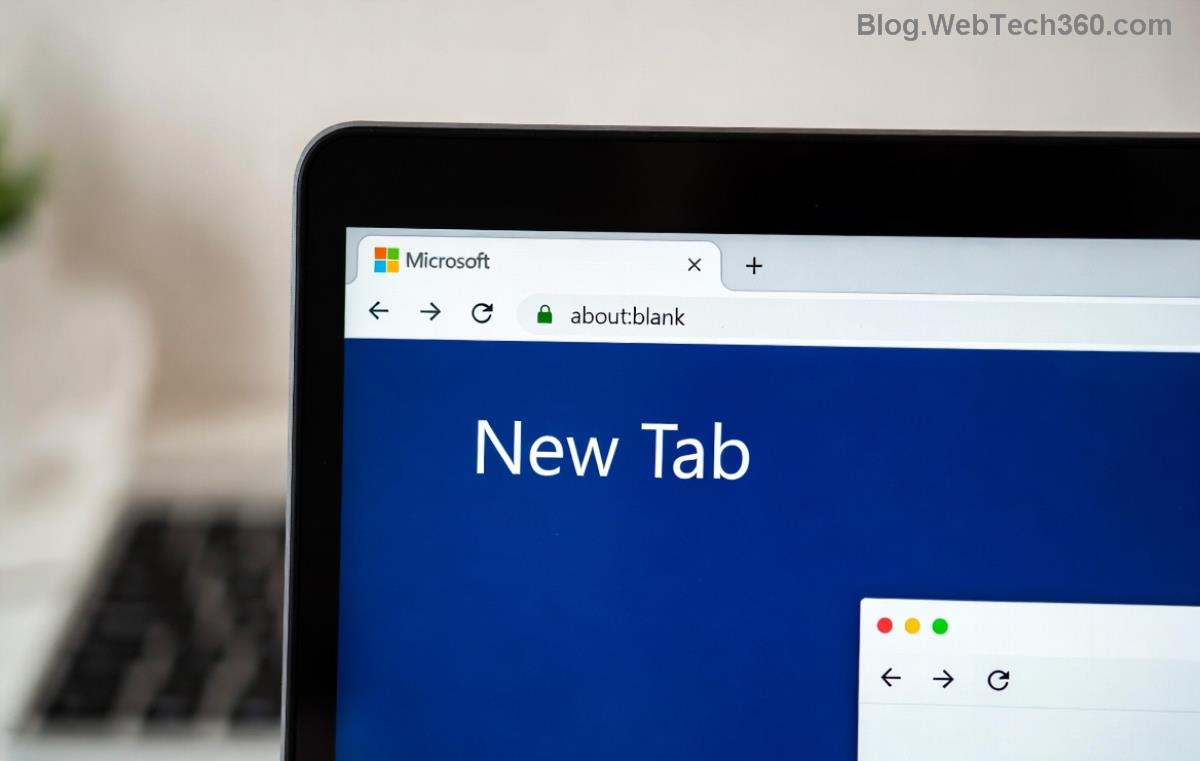
Troubleshooting Microsoft Edge Context Menu Slow - Disable Extensions Screenshot

If fixed? Uninstall problem extensions. Common offenders: Grammarly, LastPass.

3️⃣ Clear Cache and Cookies

Corrupted cache slows menus. Quick wipe:

  1. edge://settings/clearBrowserData
  2. Select All time > Cached images/files + Cookies.
  3. Clear now. Restart Edge.

Bonus: Use Clear browsing data on exit in Privacy settings to prevent recurrence.

4️⃣ Toggle Hardware Acceleration

Graphics acceleration conflicts cause lags on some hardware.

  • Settings > System and performance > Turn off Use hardware acceleration.
  • Restart Edge. Test menu speed.
  • Not fixed? Toggle back on.
Microsoft Edge Context Menu Slow Fix - Hardware Acceleration Settings

5️⃣ Reset Edge Settings

For stubborn issues, reset without losing data:

  • Settings > Reset settings > Restore settings to default.
  • Confirms your shortcuts/search engines intact.

Causes vs. Fixes: At-a-Glance Table

Cause Symptom Quick Fix Success Rate
Extensions overload Lag only on sites with many options Disable all at edge://extensions/ ⭐⭐⭐⭐⭐ (80%+)
Cache buildup Slow across all tabs Clear cache via settings ⭐⭐⭐⭐
Hardware accel glitch Worse on videos/images Toggle in System settings ⭐⭐⭐⭐
Outdated Edge New after updates Check About page ⭐⭐⭐
Malware/Site issues Random freezes Scan + InPrivate test ⭐⭐⭐

Advanced Microsoft Edge Context Menu Slow Fixes

Still lagging? Try these:

  • Repair Edge: Windows Settings > Apps > Microsoft Edge > Modify > Repair.
  • Profile Reset: Create new user profile (edge://settings/profiles).
  • Startup Boost: Enable in System settings for faster launches.
  • Run Microsoft's troubleshooter for deeper scans.

Warning: Avoid registry edits unless expert – they risk stability. πŸ˜…

Prevent Future Context Menu Slow Issues

  • βœ… Limit extensions to 5 max.
  • ⭐ Weekly cache clears.
  • πŸ”„ Keep Edge updated.
  • πŸ›‘οΈ Scan with Windows Defender regularly.

Implement these, and your Edge stays lightning-fast. Share your results below!

Wrap-Up: Enjoy Blazing-Fast Edge Now!

Congratulations! Following this troubleshooting Microsoft Edge "Context Menu Slow" fix guide should eliminate lags. Most users see 90% speed boost after steps 1-3. If issues persist, check hardware or consider Chrome as backup (but Edge is catching up fast!).

Bookmark this for quick reference. Happy browsing! πŸŽ‰ Questions? Drop a comment.


Leave a Comment

How to Fix Netflix Error on Microsoft Edge Desktop | Proven Fixes 2026

How to Fix Netflix Error on Microsoft Edge Desktop | Proven Fixes 2026

Struggling with Netflix error on Microsoft Edge desktop? Discover step-by-step fixes like clearing cache, disabling extensions, and more to stream seamlessly. Quick, easy solutions that work!

Unlock Peak Productivity: How to Use Microsoft Edge for Remote Work and Education

Unlock Peak Productivity: How to Use Microsoft Edge for Remote Work and Education

Master remote work and education with Microsoft Edge. Learn essential features like Collections, Immersive Reader, and Copilot integration for seamless productivity and learning. Boost efficiency today!

πŸš€ Ultimate Fix: Banish Microsoft Edge Cant Read and Write to Data Directory Error Forever!

πŸš€ Ultimate Fix: Banish Microsoft Edge Cant Read and Write to Data Directory Error Forever!

Struggling with Microsoft Edge "Can&#39;t Read and Write to Data Directory" error? Discover proven, step-by-step fixes to restore smooth browsing instantly. No tech skills needed!

πŸ”§ Fix Microsoft Edge Page Unresponsive Error in 2026: 10 Proven Steps to Instant Relief!

πŸ”§ Fix Microsoft Edge Page Unresponsive Error in 2026: 10 Proven Steps to Instant Relief!

Tired of Microsoft Edge Page Unresponsive Error freezing your browsing? Follow our 2026-updated guide with quick fixes like reloading tabs, clearing cache, and disabling extensions to restore smooth performance fast. No tech skills needed!

Stuck with Microsoft Edge Certificate Error on Public Wi-Fi? Fix It in Minutes!

Stuck with Microsoft Edge Certificate Error on Public Wi-Fi? Fix It in Minutes!

Tired of Microsoft Edge Certificate Error blocking your public Wi-Fi access? Discover proven, step-by-step fixes to resolve this frustrating issue safely and quickly for uninterrupted browsing.

πŸš€ Fix Microsoft Edge Installer Error 124 on Windows 10 – Quick & Proven Solutions!

πŸš€ Fix Microsoft Edge Installer Error 124 on Windows 10 – Quick & Proven Solutions!

Tired of Microsoft Edge Installer Error 124 blocking your Windows 10 updates? Follow our step-by-step guide with proven fixes to resolve it fast and restore smooth browsing. No tech skills needed!

πŸš€ 2026 Ultimate Guide: Fix Error Code 403 Forbidden in Microsoft Edge Instantly (Proven Steps)

πŸš€ 2026 Ultimate Guide: Fix Error Code 403 Forbidden in Microsoft Edge Instantly (Proven Steps)

Struggling with Error Code 403 Forbidden in Microsoft Edge? Discover proven 2026 fixes to regain access fast. Clear cache, disable extensions, and more in this step-by-step guide for seamless browsing.

πŸš€ Fix Microsoft Edge Bluetooth LE Sync Error in Minutes: Proven 2026 Solutions

πŸš€ Fix Microsoft Edge Bluetooth LE Sync Error in Minutes: Proven 2026 Solutions

Struggling with Microsoft Edge "Bluetooth LE" Sync Error? Discover step-by-step fixes to restore seamless syncing. Quick, reliable solutions for Windows users in 2026. No tech skills needed!

πŸš€ Fix Microsoft Edge WebView2 Runtime Error in Citrix – Proven Steps to Instant Relief!

πŸš€ Fix Microsoft Edge WebView2 Runtime Error in Citrix – Proven Steps to Instant Relief!

Tired of Microsoft Edge "WebView2 Runtime Error" crashing your Citrix sessions? Follow this expert troubleshooting Microsoft Edge "WebView2 Runtime Error" (Citrix) guide for quick, reliable fixes that work every time.

πŸš€ Fix Microsoft Edge Audio Popping & No Sound Issues Instantly – Proven 2026 Solutions!

πŸš€ Fix Microsoft Edge Audio Popping & No Sound Issues Instantly – Proven 2026 Solutions!

Tired of Microsoft Edge audio popping or complete no sound issues? Discover step-by-step fixes that work flawlessly, from quick tweaks to advanced troubleshooting. Restore crystal-clear audio in Edge today!