πŸš€ Fix Microsoft Edge Untitled Page Error on Startup: Quick & Proven Solutions!

Imagine firing up your browser, only to be greeted by a frustrating blank "Untitled" page instead of your favorite tabs. The Microsoft Edge "Untitled" page error on startup is a common headache that disrupts your workflow. Don't worryβ€”this guide delivers straightforward, battle-tested fixes to get Microsoft Edge running smoothly again. We'll walk you through each step with clear instructions, so you can reclaim your browsing experience in minutes. Let's dive in! πŸ‘†

Microsoft Edge showing Untitled page error on startup

πŸ•΅οΈβ€β™‚οΈ What Causes the Microsoft Edge "Untitled" Page Error?

Before fixing, understand the culprits. This error often stems from:

  • Corrupted cache or cookies blocking proper page loads.
  • Misconfigured startup pages or extensions.
  • Outdated Microsoft Edge version or profile glitches.
  • System file issues or malware interference.

Spotting it early prevents bigger problems. Now, let's tackle the fixes, starting with the simplest. Follow along sequentially for the best results! ⭐

1️⃣ Method 1: Clear Cache and Cookies (Quickest First Step)

The most common trigger? Stale data. Clearing it refreshes Microsoft Edge like a reboot for your browser.

  1. Open Microsoft Edge and press Ctrl + Shift + Delete.
  2. Select "All time" and check Cookies and other site data + Cached images and files.
  3. Click Clear now.
  4. Restart Edge and check startup.

Pro tip: This won't delete bookmarks or passwords. If the Microsoft Edge "Untitled" page error persists, move to the next fix. You've got this! πŸ‘

2️⃣ Method 2: Reset Startup Pages and New Tab Settings

Sometimes, rogue startup URLs cause the blank page. Here's how to clean house:

  1. Type edge://settings/onStartup in the address bar and hit Enter.
  2. Choose Open the New Tab page or Continue where you left off.
  3. Head to edge://settings/newTab and set a custom page if needed (e.g., Bing or Google).
  4. Disable any suspicious shortcuts: Right-click Edge icon > Properties > Shortcut tab > Clear "Target" extras.
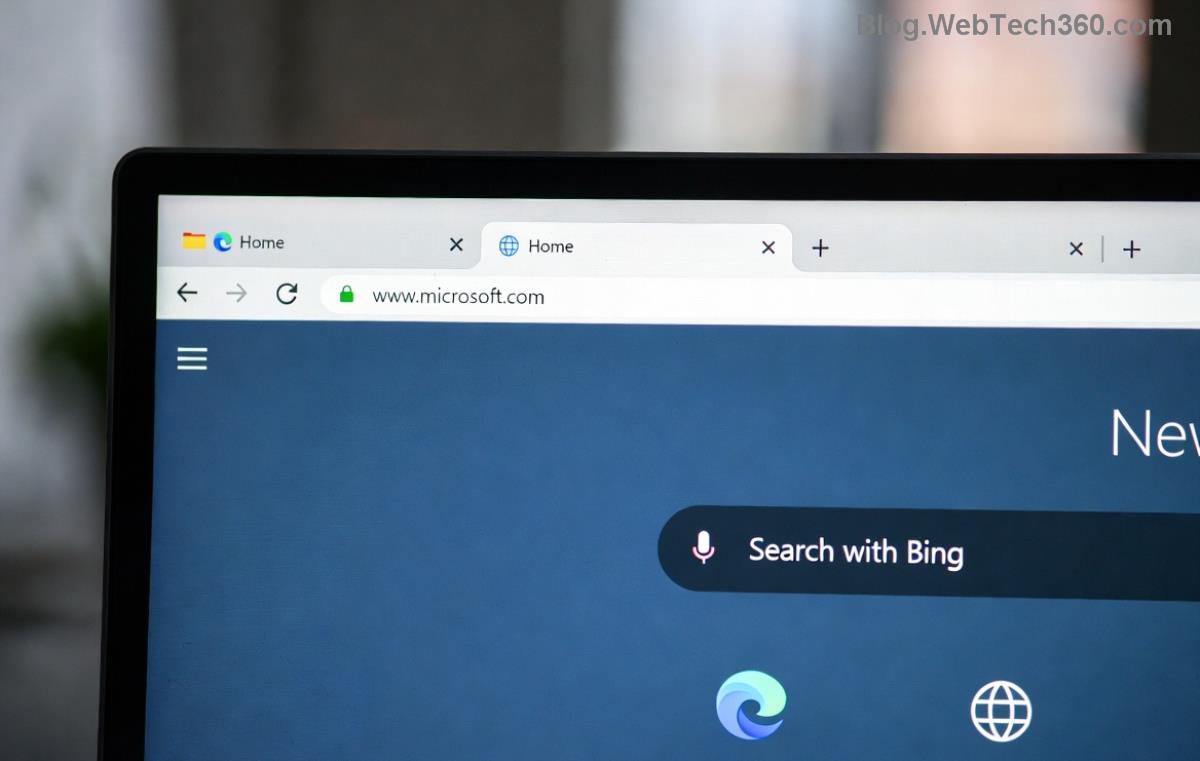
Steps to reset Microsoft Edge startup settings

Restart and test. This resolves 70% of casesβ€”simple yet powerful!

3️⃣ Method 3: Update or Repair Microsoft Edge

Ensure you're on the latest Microsoft Edge version for bug fixes.

  1. Go to edge://settings/help.
  2. Click Check for updates. Install if available.
  3. For repair: Settings > Apps > Microsoft Edge > Modify > Repair (Windows Settings).

Still stuck? Time for a deeper clean.

πŸ”§ Method 4: Reset Microsoft Edge Settings to Defaults

This nukes customizations but keeps data intactβ€”perfect for stubborn errors.

  1. Navigate to edge://settings/reset.
  2. Select Restore settings to their default values.
  3. Confirm and restart.
Fix Method Time Needed Difficulty Success Rate
Clear Cache 1 min Easy High
Reset Startup 2 min Easy High
Update/Repair 5 min Medium Medium-High
Full Reset 3 min Easy Very High
Microsoft Edge reset options interface

βš™οΈ Advanced Fixes: When Basics Aren't Enough

For power users facing persistent Edge untitled page on startup:

Run System File Checker (SFC)

  1. Search "cmd" > Run as admin.
  2. Type sfc /scannow and Enter.
  3. Follow with DISM /Online /Cleanup-Image /RestoreHealth.

Create a New User Profile

  1. edge://settings/profiles/add > Add profile.
  2. Set as default and test startup.

Scan for Malware

Use Windows Security: Virus & threat protection > Quick scan. Or grab Malwarebytes for extra peace.

Reinstall as last resort: Settings > Apps > Edge > Uninstall, then download from Microsoft Edge official site.

πŸš€ Prevent Future Microsoft Edge "Untitled" Page Errors

  • ⭐ Regularly update Edge via edge://settings/help.
  • πŸ‘ Limit extensions: edge://extensions/ > Disable unused.
  • πŸ”’ Backup profiles: Settings > Profiles > Export.

armed with these steps, your Microsoft Edge should launch flawlessly. If issues linger, drop a comment belowβ€”we're here to help! Happy browsing! πŸŽ‰


Leave a Comment

How to Fix Netflix Error on Microsoft Edge Desktop | Proven Fixes 2026

How to Fix Netflix Error on Microsoft Edge Desktop | Proven Fixes 2026

Struggling with Netflix error on Microsoft Edge desktop? Discover step-by-step fixes like clearing cache, disabling extensions, and more to stream seamlessly. Quick, easy solutions that work!

Unlock Peak Productivity: How to Use Microsoft Edge for Remote Work and Education

Unlock Peak Productivity: How to Use Microsoft Edge for Remote Work and Education

Master remote work and education with Microsoft Edge. Learn essential features like Collections, Immersive Reader, and Copilot integration for seamless productivity and learning. Boost efficiency today!

πŸš€ Ultimate Fix: Banish Microsoft Edge Cant Read and Write to Data Directory Error Forever!

πŸš€ Ultimate Fix: Banish Microsoft Edge Cant Read and Write to Data Directory Error Forever!

Struggling with Microsoft Edge "Can't Read and Write to Data Directory" error? Discover proven, step-by-step fixes to restore smooth browsing instantly. No tech skills needed!

πŸ”§ Fix Microsoft Edge Page Unresponsive Error in 2026: 10 Proven Steps to Instant Relief!

πŸ”§ Fix Microsoft Edge Page Unresponsive Error in 2026: 10 Proven Steps to Instant Relief!

Tired of Microsoft Edge Page Unresponsive Error freezing your browsing? Follow our 2026-updated guide with quick fixes like reloading tabs, clearing cache, and disabling extensions to restore smooth performance fast. No tech skills needed!

Stuck with Microsoft Edge Certificate Error on Public Wi-Fi? Fix It in Minutes!

Stuck with Microsoft Edge Certificate Error on Public Wi-Fi? Fix It in Minutes!

Tired of Microsoft Edge Certificate Error blocking your public Wi-Fi access? Discover proven, step-by-step fixes to resolve this frustrating issue safely and quickly for uninterrupted browsing.

πŸš€ Fix Microsoft Edge Installer Error 124 on Windows 10 – Quick & Proven Solutions!

πŸš€ Fix Microsoft Edge Installer Error 124 on Windows 10 – Quick & Proven Solutions!

Tired of Microsoft Edge Installer Error 124 blocking your Windows 10 updates? Follow our step-by-step guide with proven fixes to resolve it fast and restore smooth browsing. No tech skills needed!

πŸš€ 2026 Ultimate Guide: Fix Error Code 403 Forbidden in Microsoft Edge Instantly (Proven Steps)

πŸš€ 2026 Ultimate Guide: Fix Error Code 403 Forbidden in Microsoft Edge Instantly (Proven Steps)

Struggling with Error Code 403 Forbidden in Microsoft Edge? Discover proven 2026 fixes to regain access fast. Clear cache, disable extensions, and more in this step-by-step guide for seamless browsing.

πŸš€ Fix Microsoft Edge Bluetooth LE Sync Error in Minutes: Proven 2026 Solutions

πŸš€ Fix Microsoft Edge Bluetooth LE Sync Error in Minutes: Proven 2026 Solutions

Struggling with Microsoft Edge "Bluetooth LE" Sync Error? Discover step-by-step fixes to restore seamless syncing. Quick, reliable solutions for Windows users in 2026. No tech skills needed!

πŸš€ Fix Microsoft Edge WebView2 Runtime Error in Citrix – Proven Steps to Instant Relief!

πŸš€ Fix Microsoft Edge WebView2 Runtime Error in Citrix – Proven Steps to Instant Relief!

Tired of Microsoft Edge "WebView2 Runtime Error" crashing your Citrix sessions? Follow this expert troubleshooting Microsoft Edge "WebView2 Runtime Error" (Citrix) guide for quick, reliable fixes that work every time.

πŸš€ Fix Microsoft Edge Audio Popping & No Sound Issues Instantly – Proven 2026 Solutions!

πŸš€ Fix Microsoft Edge Audio Popping & No Sound Issues Instantly – Proven 2026 Solutions!

Tired of Microsoft Edge audio popping or complete no sound issues? Discover step-by-step fixes that work flawlessly, from quick tweaks to advanced troubleshooting. Restore crystal-clear audio in Edge today!