๐Ÿš€ Fix Microsoft Edge Not Loading Pages on Windows 11: 10 Proven Solutions That Work Instantly!

Imagine this: You're on Windows 11, firing up Microsoft Edge, but pages just spin endlessly or show blank screens. Frustrating, right? ๐Ÿ˜ฉ Don't worryโ€”Microsoft Edge not loading pages is a common hiccup, often due to cache buildup, extensions, or updates. This guide delivers quick fixes to get you browsing smoothly again. Follow these steps, and you'll be back online fast. Let's dive in! ๐Ÿ”ง

Why Is Microsoft Edge Not Loading Pages on Windows 11?

Before fixes, understand the culprits:

  • ๐Ÿ”ด Corrupted cache or cookies blocking sites.
  • โš™๏ธ Faulty extensions interfering with loading.
  • ๐ŸŒ Unstable internet or DNS issues.
  • ๐Ÿ“ฑ Outdated Microsoft Edge version.
  • ๐Ÿ›ก๏ธ Conflicts from antivirus or Windows settings.

Spot on? Greatโ€”now let's fix it. Start with the simplest solutions and escalate if needed. ๐Ÿ‘

Quick Diagnostic Table: Match Your Symptoms to Fixes

Symptom Likely Cause Best Fix
Blank pages or "ERR_CONNECTION_RESET" Cache/Cookies Clear browsing data
Sites load slowly or timeout Extensions Disable add-ons
Only some sites fail DNS/Network Flush DNS
Sudden issue after update Software glitch Reset Edge

Step-by-Step Fixes for Microsoft Edge Not Loading Pages on Windows 11

๐Ÿ‘‰ Step 1: Verify Your Internet Connection

First things firstโ€”test if it's Edge-specific. Open another browser like Chrome. Works? Good. Ping google.com in Command Prompt (Win + R, type cmd):

ping google.com

No response? Restart your router or run Network Troubleshooter: Settings > Network & internet > Advanced network settings > Network troubleshooter.

๐Ÿ‘‰ Step 2: Clear Cache and Cookies โ€“ The #1 Fix!

Corrupted data clogs Microsoft Edge. Here's how:

  1. Launch Edge, press Ctrl + Shift + Delete.
  2. Select "All time," check Cookies, Cached images/files.
  3. Click Clear now. Restart Edge.
Clear cache in Microsoft Edge on Windows 11

Pages loading now? ๐ŸŽ‰ If not, continue.

๐Ÿ‘‰ Step 3: Disable Extensions

Extensions like ad-blockers can break loading:

  1. Edge menu (three dots) > Extensions > Manage extensions.
  2. Toggle all OFF. Test browsing.
  3. Re-enable one by one to find the culprit.
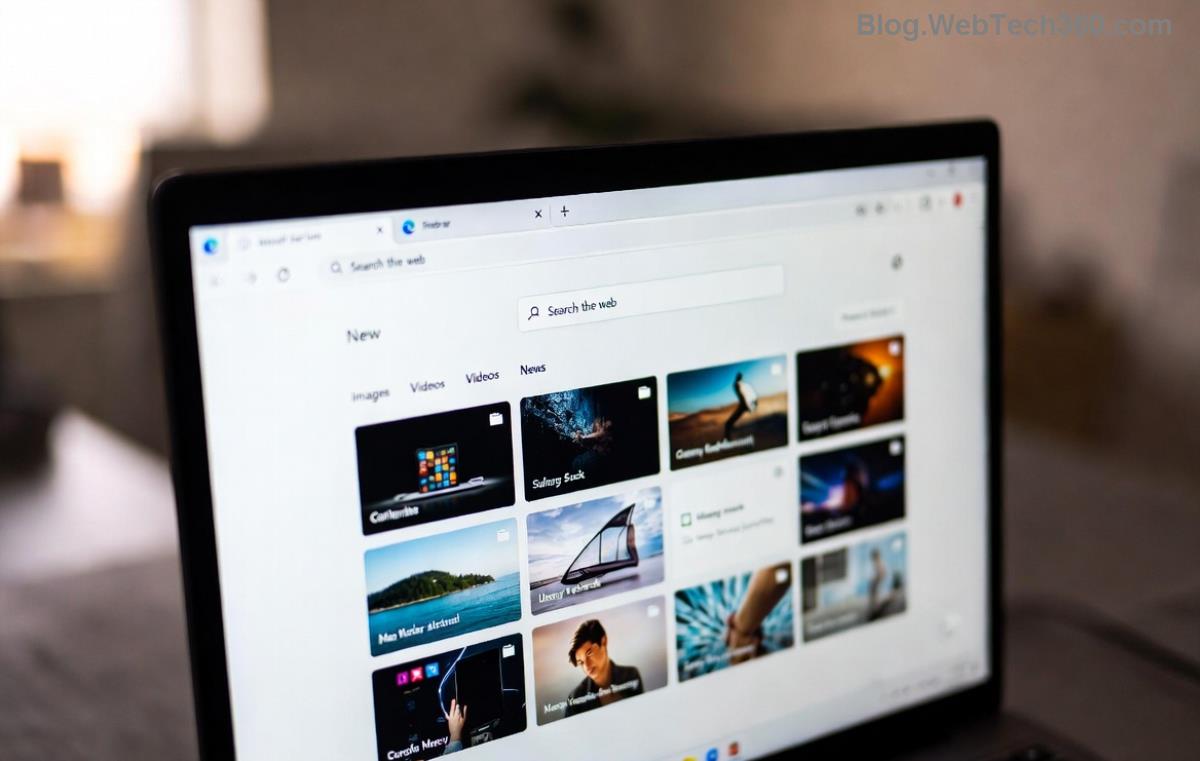
Disable extensions in Edge to fix not loading pages

Pro tip: Use Edge's built-in tools firstโ€”no downloads needed! ๐Ÿš€

๐Ÿ‘‰ Step 4: Update or Repair Microsoft Edge

Outdated Edge? Update via:

  1. Three dots > Help and feedback > About Microsoft Edge.
  2. It auto-updates. Restart.

Still stuck? Repair:

  1. Settings > Apps > Installed apps > Search "Edge" > Three dots > Modify > Repair.
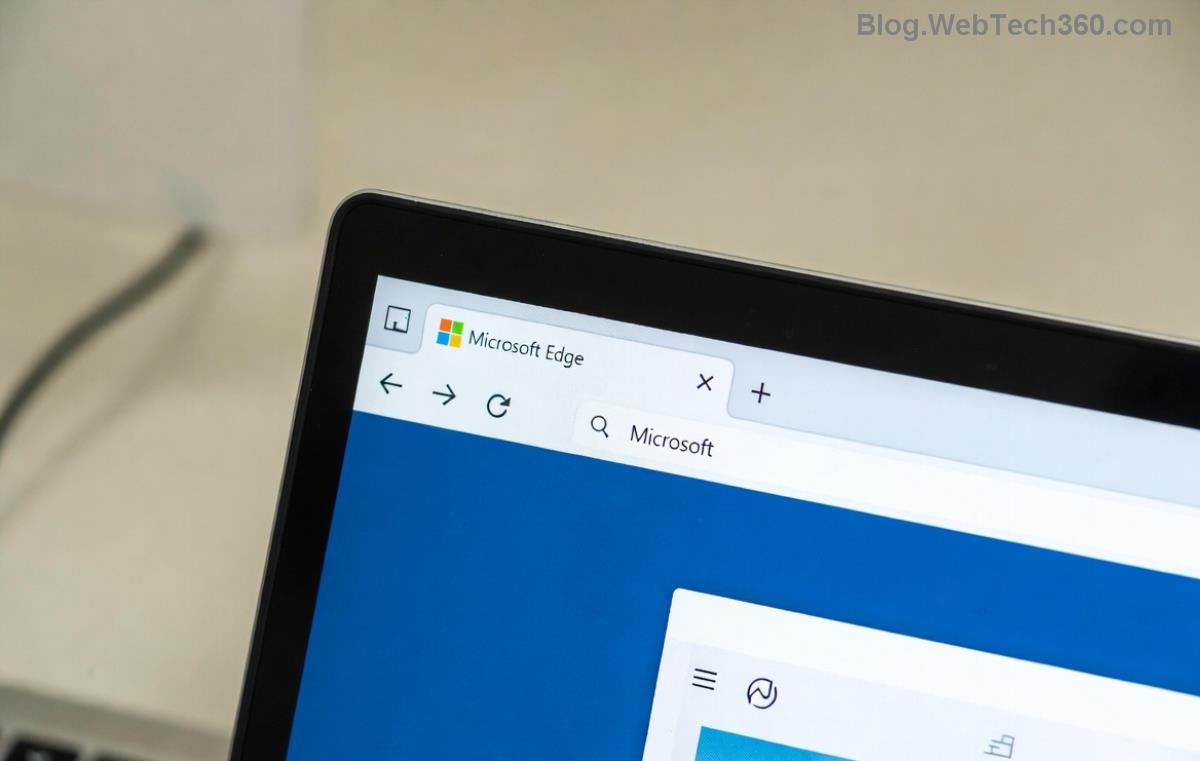
Update and repair Microsoft Edge on Windows 11

๐Ÿ‘‰ Step 5: Reset Edge Settings

For deeper issues:

  1. edge://settings/reset > Restore settings to defaults > Reset.

This keeps bookmarks/passwords intact. Magic! โœจ

Advanced Fixes If Basics Fail

๐Ÿ‘‰ Flush DNS Cache:
Run in elevated CMD:

ipconfig /flushdns
netsh winsock reset

Restart PC.

๐Ÿ‘‰ Run SFC and DISM:
CMD as admin:

sfc /scannow
DISM /Online /Cleanup-Image /RestoreHealth

๐Ÿ‘‰ Check Antivirus: Temporarily disable third-party AV (e.g., Norton). Windows Defender rarely causes this.

For official guidance, visit Microsoft Edge Support.

Prevention Tips: Keep Microsoft Edge Running Smoothly on Windows 11

  • โญ Update Edge and Windows regularly via Settings > Windows Update.
  • ๐Ÿงน Clear cache weekly: Ctrl + Shift + Delete shortcut.
  • ๐Ÿ”’ Limit extensions to trusted ones from Microsoft Store.
  • ๐Ÿ“ก Use wired connection for stability.
  • โšก Enable Hardware Acceleration: edge://settings/system.

Bonus: Switch to InPrivate mode for testingโ€”bypasses most issues!

Final Thoughts: Browse Without Limits! ๐ŸŒ

Most users fix Microsoft Edge not loading pages on Windows 11 with Steps 1-3. If persistent, it's likely hardware/networkโ€”consider professional help. You've got this! Share your success in comments below. What fixed it for you? ๐Ÿ‘‡ Stay tuned for more Windows 11 tips. Happy browsing! ๐ŸŽŠ


Leave a Comment

Lost All Your Tabs? Restore Previous Microsoft Edge Sessions After Crash in Seconds! ๐Ÿš€

Lost All Your Tabs? Restore Previous Microsoft Edge Sessions After Crash in Seconds! ๐Ÿš€

Accidentally crashed Microsoft Edge and lost your tabs? Learn how to restore previous Microsoft Edge sessions after a crash with simple, proven steps. Quick fixes for Windows, Mac, and moreโ€”no data loss!

๐Ÿš€ Fix Microsoft Edge WebSocket Error in 2026: Proven Steps to Restore Seamless Browsing!

๐Ÿš€ Fix Microsoft Edge WebSocket Error in 2026: Proven Steps to Restore Seamless Browsing!

Struggling with Microsoft Edge WebSocket Error in 2026? Discover quick, proven fixes to resolve connection issues, clear cache, update Edge, and more. Get back online fast!

๐Ÿš€ Ride Endless Waves Offline: How to Play Microsoft Edge Surf Game Without Internet Like a Pro!

๐Ÿš€ Ride Endless Waves Offline: How to Play Microsoft Edge Surf Game Without Internet Like a Pro!

Unlock the fun of the Microsoft Edge Surf game without internet! Step-by-step guide to access, play, and dominate high scores in this addictive offline browser game. Perfect for no-WiFi moments.

๐Ÿšจ Fix Microsoft Edge MSI Error 1722 on Windows 11: Proven Steps to Resolve It Fast!

๐Ÿšจ Fix Microsoft Edge MSI Error 1722 on Windows 11: Proven Steps to Resolve It Fast!

Struggling with Microsoft Edge MSI Error 1722 on Windows 11? Discover step-by-step troubleshooting Microsoft Edge "Msi Error 1722" Win 11 fixes that work. Restore your browser quickly and safely!

๐Ÿš€ Ultimate Guide: Completely Uninstall Microsoft Edge from Windows 11 (Forever Gone!)

๐Ÿš€ Ultimate Guide: Completely Uninstall Microsoft Edge from Windows 11 (Forever Gone!)

Struggling with Microsoft Edge on Windows 11? Discover the step-by-step guide to completely uninstall Microsoft Edge from Windows 11โ€”no reinstalls, no leftovers. Safe, effective methods for a cleaner PC.

๐Ÿš€ Make Microsoft Edge Your Go-To PDF Viewer: Super Simple Step-by-Step Guide!

๐Ÿš€ Make Microsoft Edge Your Go-To PDF Viewer: Super Simple Step-by-Step Guide!

Discover exactly how to set Microsoft Edge as your default PDF viewer on Windows. Boost speed, security, and simplicity with our easy, up-to-date guideโ€”no tech skills required!

๐Ÿš€ Fix Edge Browser Security Plugin Errors Fast: Ultimate Troubleshooting Guide

๐Ÿš€ Fix Edge Browser Security Plugin Errors Fast: Ultimate Troubleshooting Guide

Struggling with Edge browser security plugin errors? Follow this expert, step-by-step guide to diagnose and fix issues like crashes, blocks, and conflicts quickly. Restore smooth, secure browsing today!

๐Ÿš€ Fix Microsoft Edge Private Connection Warning Instantly: Proven 2026 Solutions

๐Ÿš€ Fix Microsoft Edge Private Connection Warning Instantly: Proven 2026 Solutions

Tired of Microsoft Edge "Private Connection" warnings blocking your browsing? Get step-by-step fixes for secure connections, from quick resets to advanced tweaks. Restore safe surfing today!

Stream Deck App Crashes on Microsoft Edge? Fix It Fast with These Proven Troubleshooting Steps

Stream Deck App Crashes on Microsoft Edge? Fix It Fast with These Proven Troubleshooting Steps

Facing Microsoft Edge Stream Deck app not opening? Discover quick, effective troubleshooting steps to resolve crashes, freezes, and launch issues. Get your setup running smoothly in minutes with our expert guide.

๐Ÿš€ Ultimate Guide: Complete List of Microsoft Edge Keyboard Shortcuts to Supercharge Your Browsing

๐Ÿš€ Ultimate Guide: Complete List of Microsoft Edge Keyboard Shortcuts to Supercharge Your Browsing

Master the complete list of Microsoft Edge keyboard shortcuts for tabs, navigation, bookmarks, and more. Boost productivity instantly with these essential Edge hotkeys in the latest version. Perfect for power users!