๐Ÿš€ Fix Microsoft Edge Audio Out of Sync in Web Videos: Quick & Proven Fixes!

Nothing ruins your streaming session like Microsoft Edge audio out of sync during web videos. ๐Ÿ˜ฉ Whether it's YouTube clips lagging behind visuals or Netflix streams desyncing, this common glitch frustrates millions. But don't worryโ€”our guide delivers how to fix Microsoft Edge "Audio Out of Sync" web video issues with simple, effective steps. You'll be back to seamless playback in minutes. Let's dive in!

Why Does Audio Out of Sync Happen in Microsoft Edge?

Audio-video desync in Microsoft Edge web video often stems from:

  • Outdated browser or media codecs.
  • Hardware acceleration conflicts.
  • Cached data buildup or rogue extensions.
  • Outdated graphics/audio drivers.
  • Site-specific bugs on platforms like YouTube or Twitch.

Recognizing the cause speeds up fixes. Ready for solutions? โญ Start with these quick wins!

Quick Fixes Table: Match Your Symptom to the Solution

๐Ÿ” Symptom โšก Best Quick Fix Expected Time
Sudden desync on multiple sites Clear cache & cookies 2 minutes
Lag only in full-screen videos Disable hardware acceleration 1 minute
Intermittent audio drift Update Edge & drivers 5 minutes
Specific site issues (e.g., YouTube) Toggle media flags 3 minutes

This table is your roadmapโ€”pick and apply! Now, let's tackle step-by-step fixes for lasting results. ๐Ÿ‘

Microsoft Edge settings menu for audio sync fix

1๏ธโƒฃ Step 1: Update Microsoft Edge to the Latest Version

The newest Edge builds include patches for audio out of sync bugs. Here's how:

  1. Click the three-dot menu > Help and feedback > About Microsoft Edge.
  2. Edge auto-checks for updatesโ€”install if available.
  3. Restart the browser.

Pro tip: Enable auto-updates in Settings > About for future-proofing. Test a video post-update. Fixed? Great! If not, proceed. ๐ŸŽ‰

2๏ธโƒฃ Step 2: Clear Cache and Cookies (Top Fix for 80% of Cases)

Corrupted cache often causes Edge web video audio desync. Clear it fast:

  1. Go to edge://settings/clearBrowserData.
  2. Select "Cached images and files" and "Cookies" (time range: All time).
  3. Click Clear now.

Reload your videoโ€”audio should snap into place. This resets media playback without losing logins (if selective). Feeling smoother already?

3๏ธโƒฃ Step 3: Disable Hardware Acceleration

HW acceleration boosts performance but clashes with some GPUs, causing audio lag in Edge. Disable it:

  1. edge://settings/system
  2. Toggle off "Use hardware acceleration when available."
  3. Restart Edge.

Many users report instant audio-video sync restoration. Re-enable later if videos stutter.
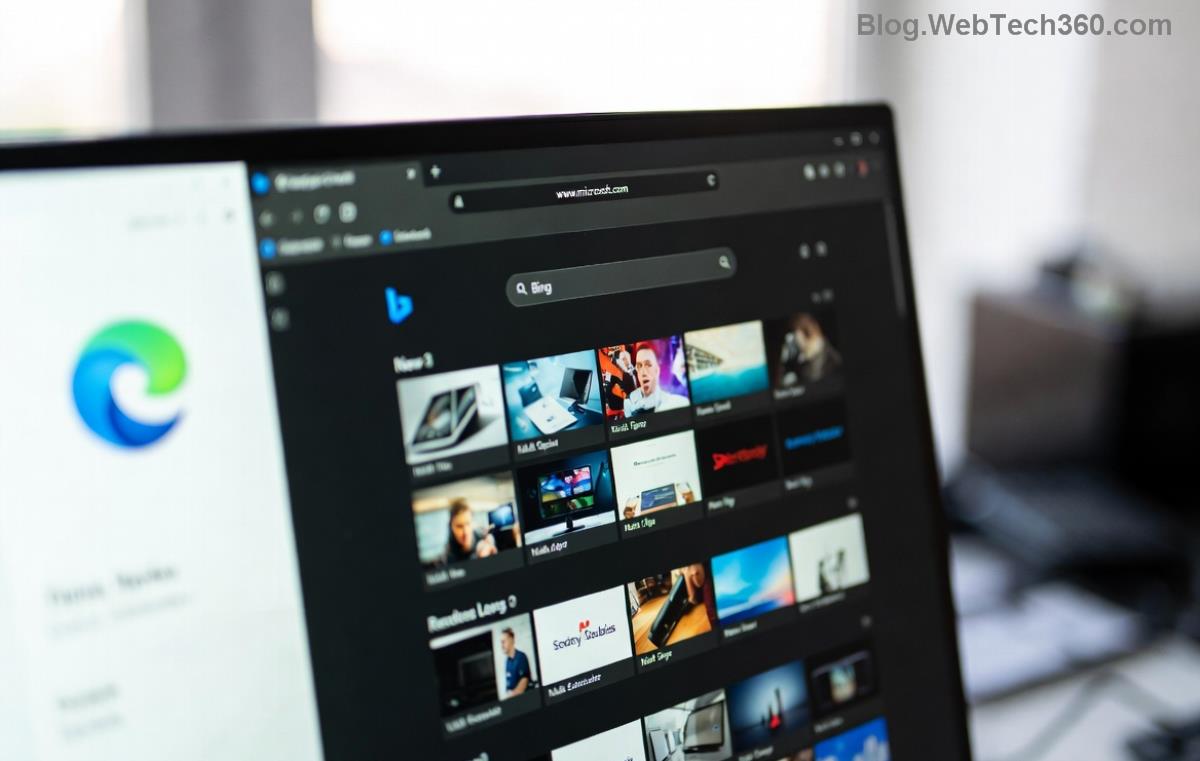
Hardware acceleration toggle in Microsoft Edge for fixing audio sync

4๏ธโƒฃ Step 4: Manage Extensions & Site Permissions

Extensions like ad blockers interfere with video decoding. Quick audit:

  1. edge://extensions/
  2. Disable all, test video.
  3. Re-enable one-by-one to identify culprits.

Also, check site settings: edge://settings/content/mediaAutoplay > Allow for trusted sites. No more desync distractions!

5๏ธโƒฃ Advanced Fixes: Edge Flags & Driver Updates

For stubborn cases:

Toggle Edge Flags

  1. edge://flags/
  2. Search "media" or "audio".
  3. Try enabling Preferred Ozone platform or AV1 decoding (reset if issues).
  4. Relaunch.

Update Graphics Drivers

Outdated drivers = sync hell. Download from:

  • NVIDIA/AMD/Intel sites, or
  • Windows Device Manager > Update driver.

Bonus: Run Audio Troubleshooter via Windows Settings > Update & Security > Troubleshoot.

If needed, reset Edge fully: edge://settings/reset (keeps bookmarks). Last resort: Reinstall via Microsoft Store.

Prevention Tips: Keep Edge Audio Sync Perfect Forever

  • โญ Regularly update Edge and drivers.
  • Limit extensions to essentials.
  • Use Incognito mode for testing sites.
  • Monitor Task Manager (Shift+Esc) for high CPU during videos.

For official troubleshooting, check Microsoft Edge Support.

Conclusion: Sync Restoredโ€”Enjoy Flawless Videos! ๐ŸŽฅ

Congrats! You've mastered how to fix Microsoft Edge "Audio Out of Sync" web video. Most fixes take under 5 minutes, banishing lag forever. Which step worked for you? Drop a comment below or share with friends facing the same issue. Happy streaming! ๐Ÿš€


Leave a Comment

How to Fix Netflix Error on Microsoft Edge Desktop | Proven Fixes 2026

How to Fix Netflix Error on Microsoft Edge Desktop | Proven Fixes 2026

Struggling with Netflix error on Microsoft Edge desktop? Discover step-by-step fixes like clearing cache, disabling extensions, and more to stream seamlessly. Quick, easy solutions that work!

Unlock Peak Productivity: How to Use Microsoft Edge for Remote Work and Education

Unlock Peak Productivity: How to Use Microsoft Edge for Remote Work and Education

Master remote work and education with Microsoft Edge. Learn essential features like Collections, Immersive Reader, and Copilot integration for seamless productivity and learning. Boost efficiency today!

๐Ÿš€ Ultimate Fix: Banish Microsoft Edge Cant Read and Write to Data Directory Error Forever!

๐Ÿš€ Ultimate Fix: Banish Microsoft Edge Cant Read and Write to Data Directory Error Forever!

Struggling with Microsoft Edge "Can't Read and Write to Data Directory" error? Discover proven, step-by-step fixes to restore smooth browsing instantly. No tech skills needed!

๐Ÿ”ง Fix Microsoft Edge Page Unresponsive Error in 2026: 10 Proven Steps to Instant Relief!

๐Ÿ”ง Fix Microsoft Edge Page Unresponsive Error in 2026: 10 Proven Steps to Instant Relief!

Tired of Microsoft Edge Page Unresponsive Error freezing your browsing? Follow our 2026-updated guide with quick fixes like reloading tabs, clearing cache, and disabling extensions to restore smooth performance fast. No tech skills needed!

Stuck with Microsoft Edge Certificate Error on Public Wi-Fi? Fix It in Minutes!

Stuck with Microsoft Edge Certificate Error on Public Wi-Fi? Fix It in Minutes!

Tired of Microsoft Edge Certificate Error blocking your public Wi-Fi access? Discover proven, step-by-step fixes to resolve this frustrating issue safely and quickly for uninterrupted browsing.

๐Ÿš€ Fix Microsoft Edge Installer Error 124 on Windows 10 โ€“ Quick & Proven Solutions!

๐Ÿš€ Fix Microsoft Edge Installer Error 124 on Windows 10 โ€“ Quick & Proven Solutions!

Tired of Microsoft Edge Installer Error 124 blocking your Windows 10 updates? Follow our step-by-step guide with proven fixes to resolve it fast and restore smooth browsing. No tech skills needed!

๐Ÿš€ 2026 Ultimate Guide: Fix Error Code 403 Forbidden in Microsoft Edge Instantly (Proven Steps)

๐Ÿš€ 2026 Ultimate Guide: Fix Error Code 403 Forbidden in Microsoft Edge Instantly (Proven Steps)

Struggling with Error Code 403 Forbidden in Microsoft Edge? Discover proven 2026 fixes to regain access fast. Clear cache, disable extensions, and more in this step-by-step guide for seamless browsing.

๐Ÿš€ Fix Microsoft Edge Bluetooth LE Sync Error in Minutes: Proven 2026 Solutions

๐Ÿš€ Fix Microsoft Edge Bluetooth LE Sync Error in Minutes: Proven 2026 Solutions

Struggling with Microsoft Edge "Bluetooth LE" Sync Error? Discover step-by-step fixes to restore seamless syncing. Quick, reliable solutions for Windows users in 2026. No tech skills needed!

๐Ÿš€ Fix Microsoft Edge WebView2 Runtime Error in Citrix โ€“ Proven Steps to Instant Relief!

๐Ÿš€ Fix Microsoft Edge WebView2 Runtime Error in Citrix โ€“ Proven Steps to Instant Relief!

Tired of Microsoft Edge "WebView2 Runtime Error" crashing your Citrix sessions? Follow this expert troubleshooting Microsoft Edge "WebView2 Runtime Error" (Citrix) guide for quick, reliable fixes that work every time.

๐Ÿš€ Fix Microsoft Edge Audio Popping & No Sound Issues Instantly โ€“ Proven 2026 Solutions!

๐Ÿš€ Fix Microsoft Edge Audio Popping & No Sound Issues Instantly โ€“ Proven 2026 Solutions!

Tired of Microsoft Edge audio popping or complete no sound issues? Discover step-by-step fixes that work flawlessly, from quick tweaks to advanced troubleshooting. Restore crystal-clear audio in Edge today!