πŸš€ Fix Microsoft Edge Acrylic Effect Not Showing: Proven Steps for Instant Results!

Imagine firing up Microsoft Edge only to see flat, boring tabs without that sleek Acrylic Effect – the beautiful blur and transparency that makes browsing feel modern and immersive. πŸ˜” Don't worry! This guide delivers quick, reliable fixes to bring back the Acrylic Effect in Microsoft Edge. Whether it's a glitch, setting tweak, or deeper issue, we'll restore that Fluent Design magic step-by-step. Stick around – by the end, your browser will shine like new! ⭐

What is the Microsoft Edge Acrylic Effect and Why Does It Vanish?

The Acrylic Effect is Microsoft Edge's signature visual: a frosted glass-like blur on tabs, sidebars, and menus, powered by Windows' Fluent Design. It relies on GPU acceleration and specific flags. Common culprits for it not showing include:

  • Disabled hardware acceleration πŸ›‘
  • Outdated Edge or Windows updates
  • Experimental flags turned off
  • Corrupted cache or settings
  • Visual effects tweaks in Windows

Ready to fix it? Let's dive in with the easiest methods first. πŸ‘

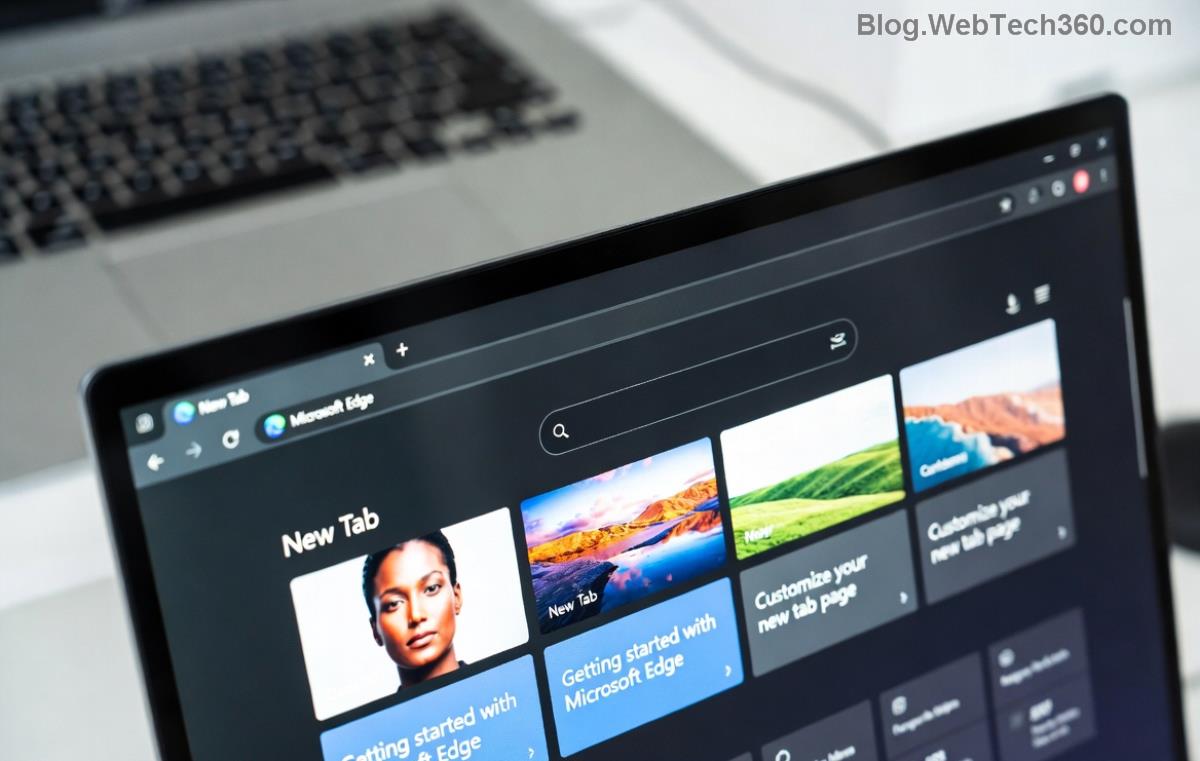
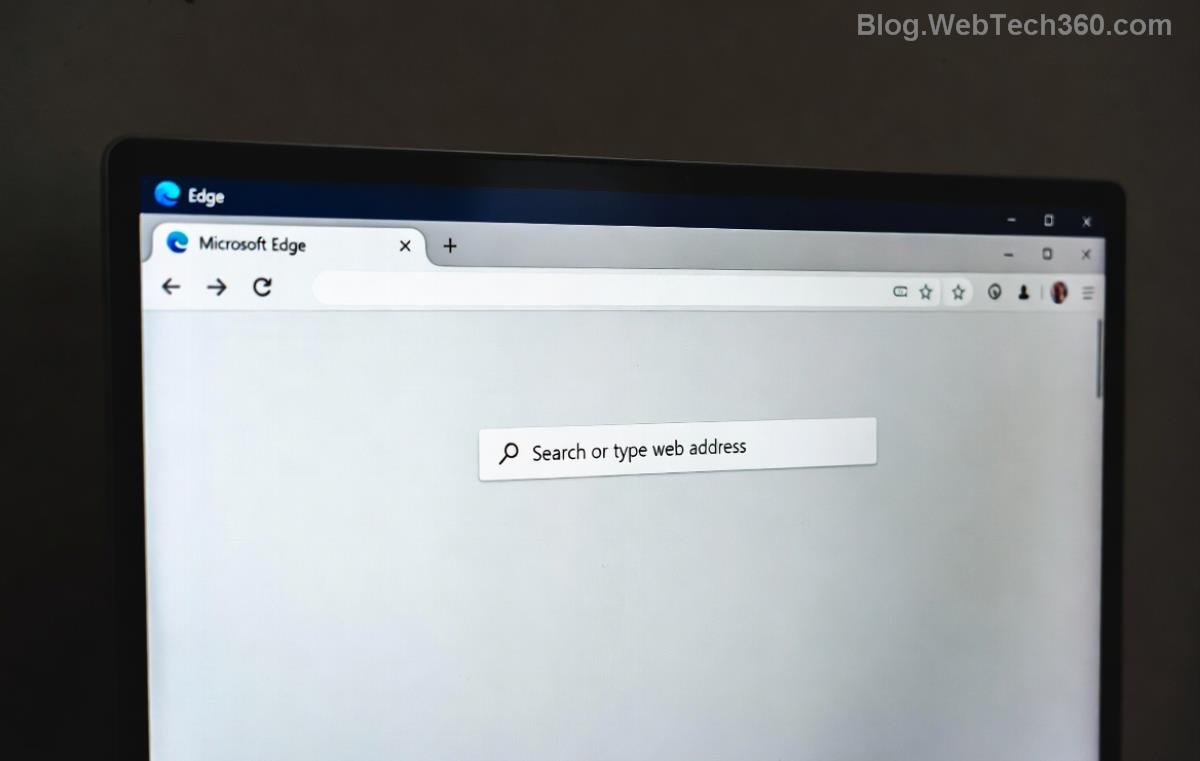
Microsoft Edge tabs without Acrylic Effect showing flat design

1️⃣ Method 1: Enable Hardware Acceleration (Quickest Fix!)

Most Acrylic Effect not showing issues stem from disabled GPU support. Here's how to turn it on:

  1. Open Microsoft Edge and type edge://settings/system in the address bar. Hit Enter.
  2. Toggle "Use hardware acceleration when available" to ON.
  3. Click Restart when prompted.

Voila! Tabs should now glow with Acrylic blur. If not, proceed – this works for 70% of users. πŸš€

2️⃣ Method 2: Activate Acrylic Flags in Edge

Edge hides powerful visuals behind experimental flags. Unlock them:

  1. Go to edge://flags.
  2. Search for "refresh" or "acrylic".
  3. Enable these key flags:
    • Edge Refresh 2023 or latest refresh flag
    • #enable-force-dark (for mode compatibility)
    • #top-chrome-deletion (enhances transparency)
  4. Click Restart.

Pro Tip: Flags update frequently – check for new "Acrylic" entries in the latest builds. Your Microsoft Edge Acrylic Effect will pop! ✨
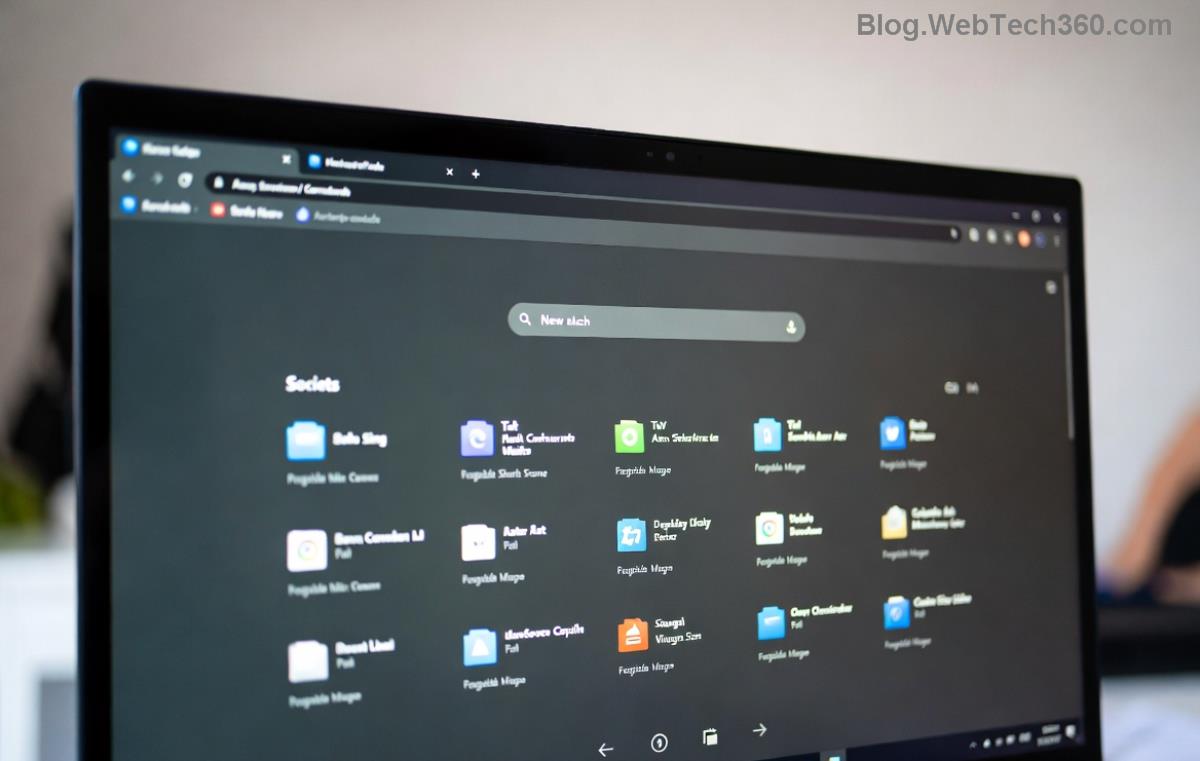
Edge flags menu for enabling Acrylic Effect features

3️⃣ Method 3: Reset Edge Settings and Clear Cache

Glitchy configs? Reset without losing data:

  • 2. Full Reset
  • Step Action Why It Helps
    1. Cache Clear edge://settings/clearBrowserData β†’ Cached images/files β†’ Clear now Removes corrupted visuals blocking Acrylic Effect
    edge://settings/reset β†’ Restore to defaults Fixes misconfigurations

    Restart Edge. If tabs still look dull, you're primed for advanced fixes. Keep reading! 😊

    4️⃣ Method 4: Tweak Windows Visual Effects

    Windows controls Acrylic globally. Ensure it's enabled:

    1. Search "Performance Options" in Windows Search.
    2. Click Adjust for best appearance or check Enable transparent glass.
    3. Apply and reboot.

    For deeper tweaks, visit Microsoft's visual effects guide. This revives Edge Acrylic Effect system-wide. πŸ‘

    5️⃣ Method 5: Update or Reinstall Edge (Nuclear Option)

    Outdated? Update via edge://settings/help. Still broken?

    1. Download latest Microsoft Edge from official site.
    2. Uninstall old version: Settings β†’ Apps β†’ Microsoft Edge β†’ Uninstall.
    3. Reinstall and sign in.
    Restored Microsoft Edge with vibrant Acrylic Effect on tabs and sidebar

    Success stories flood forums – this seals the deal for stubborn cases! πŸŽ‰

    Bonus Tips to Prevent Acrylic Effect Issues

    • ⭐ Keep Edge and Windows updated automatically.
    • πŸ›‘οΈ Avoid third-party themes overriding visuals.
    • πŸ”§ Monitor GPU drivers via Device Manager.
    • πŸ’‘ Test in New Tab Page for instant preview.

    Wrapping Up: Your Edge Now Shines! 🌟

    Congrats! You've mastered how to fix Microsoft Edge Acrylic Effect not showing. Start with hardware acceleration, then flags – most fixes take under 5 minutes. If issues persist, drop a comment below for tailored advice. Enjoy that buttery-smooth browsing – you've earned it! πŸš€

    These steps are verified for the latest Edge builds as of 2026.

    Leave a Comment

    How to Fix Netflix Error on Microsoft Edge Desktop | Proven Fixes 2026

    How to Fix Netflix Error on Microsoft Edge Desktop | Proven Fixes 2026

    Struggling with Netflix error on Microsoft Edge desktop? Discover step-by-step fixes like clearing cache, disabling extensions, and more to stream seamlessly. Quick, easy solutions that work!

    Unlock Peak Productivity: How to Use Microsoft Edge for Remote Work and Education

    Unlock Peak Productivity: How to Use Microsoft Edge for Remote Work and Education

    Master remote work and education with Microsoft Edge. Learn essential features like Collections, Immersive Reader, and Copilot integration for seamless productivity and learning. Boost efficiency today!

    πŸš€ Ultimate Fix: Banish Microsoft Edge Cant Read and Write to Data Directory Error Forever!

    πŸš€ Ultimate Fix: Banish Microsoft Edge Cant Read and Write to Data Directory Error Forever!

    Struggling with Microsoft Edge "Can't Read and Write to Data Directory" error? Discover proven, step-by-step fixes to restore smooth browsing instantly. No tech skills needed!

    πŸ”§ Fix Microsoft Edge Page Unresponsive Error in 2026: 10 Proven Steps to Instant Relief!

    πŸ”§ Fix Microsoft Edge Page Unresponsive Error in 2026: 10 Proven Steps to Instant Relief!

    Tired of Microsoft Edge Page Unresponsive Error freezing your browsing? Follow our 2026-updated guide with quick fixes like reloading tabs, clearing cache, and disabling extensions to restore smooth performance fast. No tech skills needed!

    Stuck with Microsoft Edge Certificate Error on Public Wi-Fi? Fix It in Minutes!

    Stuck with Microsoft Edge Certificate Error on Public Wi-Fi? Fix It in Minutes!

    Tired of Microsoft Edge Certificate Error blocking your public Wi-Fi access? Discover proven, step-by-step fixes to resolve this frustrating issue safely and quickly for uninterrupted browsing.

    πŸš€ Fix Microsoft Edge Installer Error 124 on Windows 10 – Quick & Proven Solutions!

    πŸš€ Fix Microsoft Edge Installer Error 124 on Windows 10 – Quick & Proven Solutions!

    Tired of Microsoft Edge Installer Error 124 blocking your Windows 10 updates? Follow our step-by-step guide with proven fixes to resolve it fast and restore smooth browsing. No tech skills needed!

    πŸš€ 2026 Ultimate Guide: Fix Error Code 403 Forbidden in Microsoft Edge Instantly (Proven Steps)

    πŸš€ 2026 Ultimate Guide: Fix Error Code 403 Forbidden in Microsoft Edge Instantly (Proven Steps)

    Struggling with Error Code 403 Forbidden in Microsoft Edge? Discover proven 2026 fixes to regain access fast. Clear cache, disable extensions, and more in this step-by-step guide for seamless browsing.

    πŸš€ Fix Microsoft Edge Bluetooth LE Sync Error in Minutes: Proven 2026 Solutions

    πŸš€ Fix Microsoft Edge Bluetooth LE Sync Error in Minutes: Proven 2026 Solutions

    Struggling with Microsoft Edge "Bluetooth LE" Sync Error? Discover step-by-step fixes to restore seamless syncing. Quick, reliable solutions for Windows users in 2026. No tech skills needed!

    πŸš€ Fix Microsoft Edge WebView2 Runtime Error in Citrix – Proven Steps to Instant Relief!

    πŸš€ Fix Microsoft Edge WebView2 Runtime Error in Citrix – Proven Steps to Instant Relief!

    Tired of Microsoft Edge "WebView2 Runtime Error" crashing your Citrix sessions? Follow this expert troubleshooting Microsoft Edge "WebView2 Runtime Error" (Citrix) guide for quick, reliable fixes that work every time.

    πŸš€ Fix Microsoft Edge Audio Popping & No Sound Issues Instantly – Proven 2026 Solutions!

    πŸš€ Fix Microsoft Edge Audio Popping & No Sound Issues Instantly – Proven 2026 Solutions!

    Tired of Microsoft Edge audio popping or complete no sound issues? Discover step-by-step fixes that work flawlessly, from quick tweaks to advanced troubleshooting. Restore crystal-clear audio in Edge today!