How to remove work or school email account on Windows 11
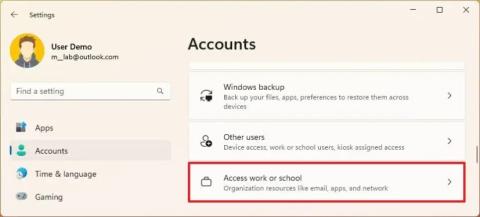
To remove a work or school email account on Windows 11, open Settings > Accounts > Access work or school and disconnect the email address.
To remove a work or school email account on Windows 11, open Settings > Accounts > Access work or school and disconnect the email address.
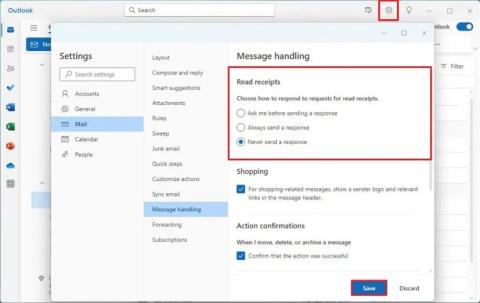
To change read receipts settings in Outlook, open Settings > General > Message handling, and choose another option or disable feature.